


The Adobe Sign alternative made for simpler signing
Keep agreements moving forward with an intuitive eSignature solution. Businesses choose Dropbox Sign for its easy setup, streamlined workflows, and quality support.*
* Fuente: G2, 2026

Funciones sin complejidades
Ofrece a tu equipo las funciones que necesita, sin la carga que supone una plataforma más amplia.

Sin eternas implementaciones
Consigue que todo el mundo empiece a trabajar en un instante gracias a un sistema que requiere menos configuración y trabajo administrativo.

Precios predecibles a medida que creces
Mantén los costes en consonancia con la forma de trabajar de tu equipo. Sin límites máximos ni comisiones ocultas por exceso de consumo.
Dropbox Sign vs Adobe Sign: how they stack up
Descubre lo que ofrece Sign en cuanto a las funciones de firma electrónica en las que confían los equipos.
Dropbox Sign
Adobe Sign


No disponible
Varía según el plan
Se podrían aplicar límites y cargos adicionales
Costes que puedes planificar
Encuentra opciones de precios flexibles por remitente y por solicitud en función de tus remitentes, el volumen y el flujo de trabajo. Sin límites máximos ni comisiones ocultas por exceso de consumo para que puedas ampliar el uso de la firma electrónica con total tranquilidad.
Dropbox Sign vs Adobe Acrobat Sign: streamline every step
Descubre cómo Sign ayuda a reducir el cambio de aplicaciones, el esfuerzo de implementación y las dificultades durante todo el proceso de acuerdo.
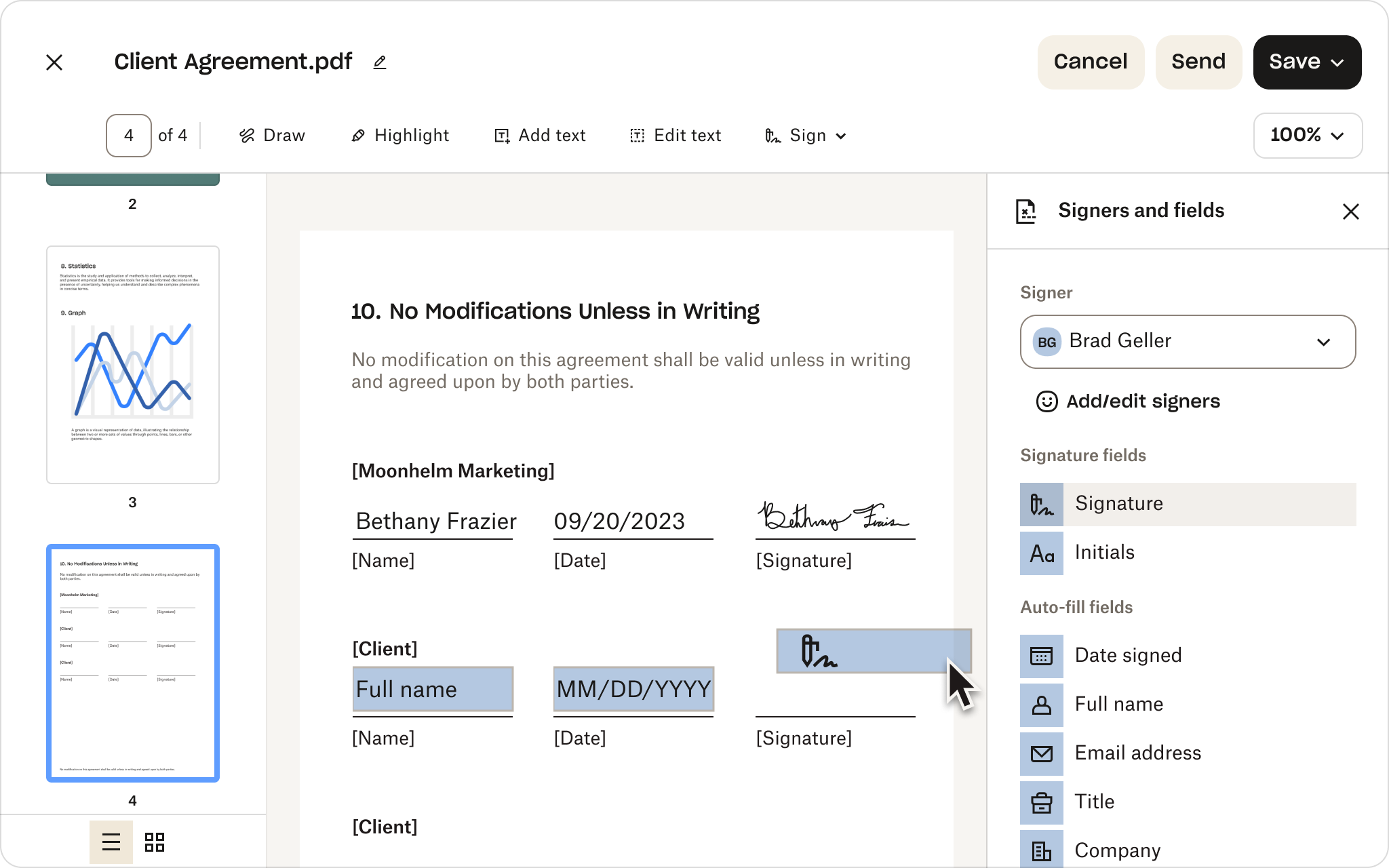
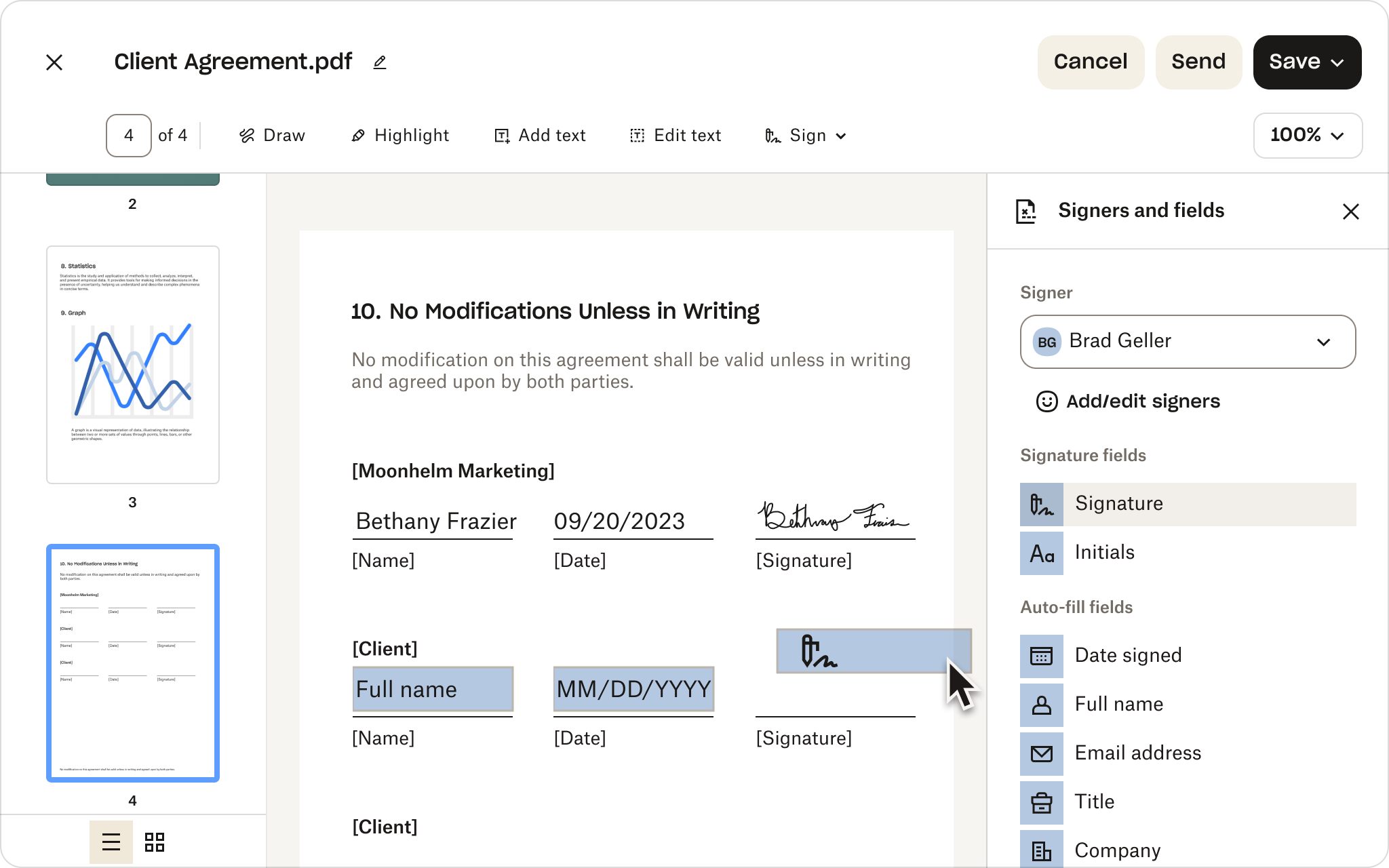
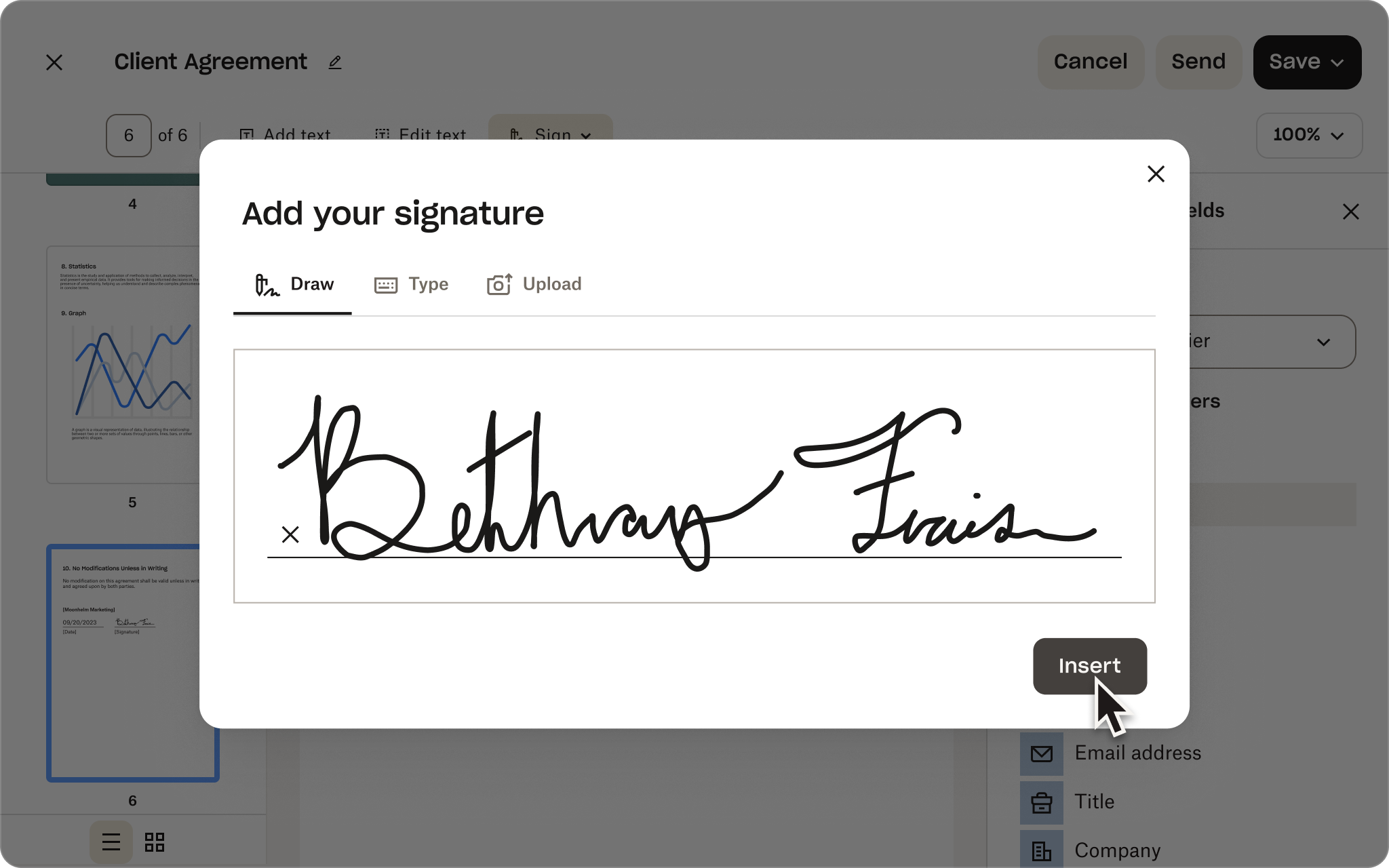
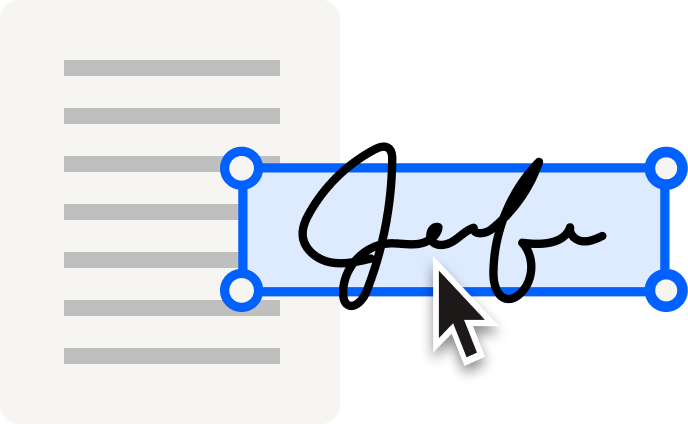
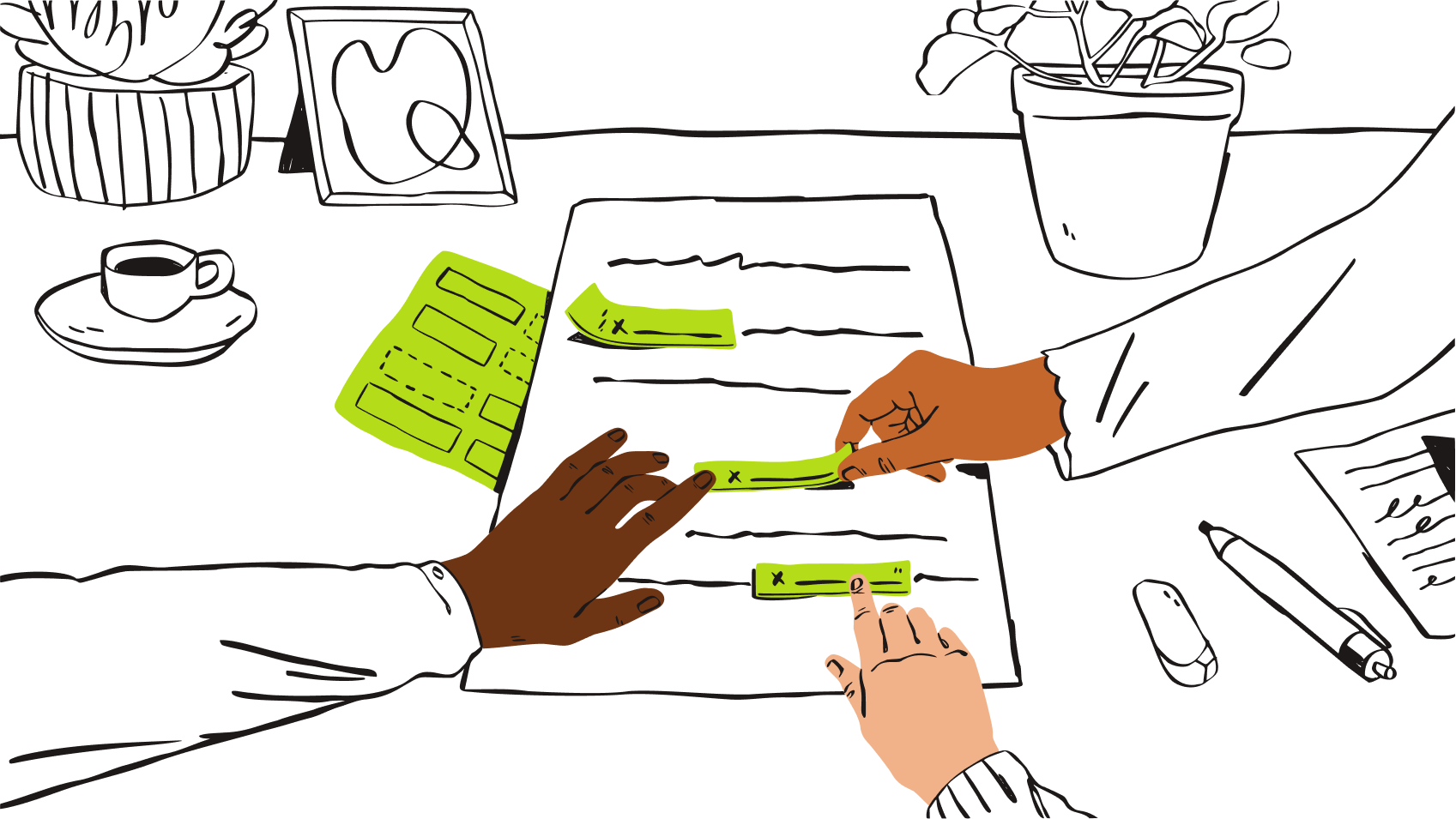
Turn frequently used documents into reusable templates instead of starting from scratch each time. Then prepare agreements easily with drag-and-drop signer fields and pre-filled information.
Use bulk send to create individual signature requests for large recipient lists in one step. Automated reminders and notifications keep next steps moving without having to chase people down.
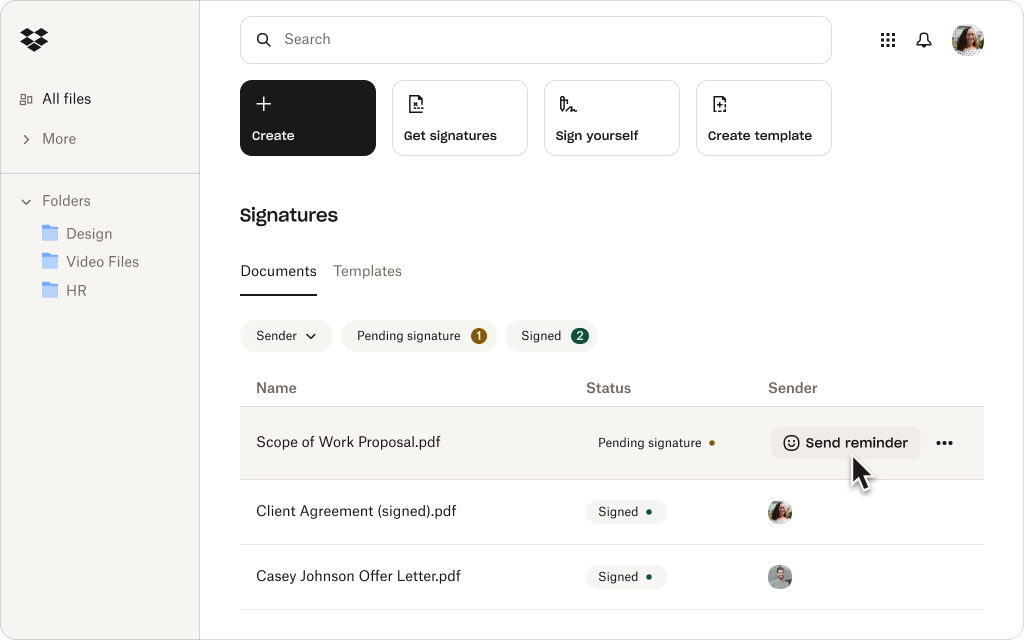
Stay ahead of delays. Performance dashboards give your team a clear view of where agreements stand and what needs attention, helping them catch issues early and prioritize follow-up.
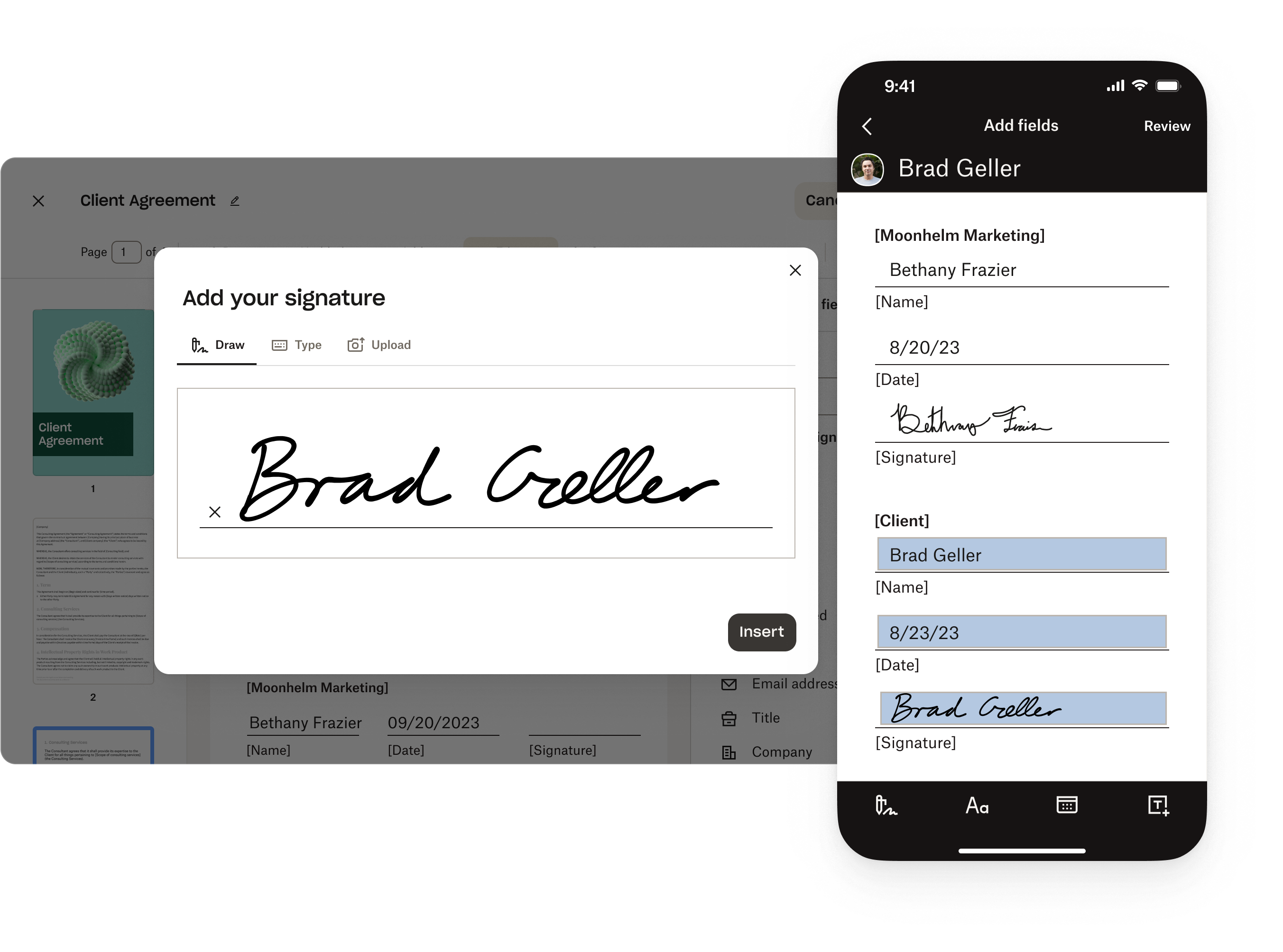
From customers and vendors to new hires, give people more flexibility to sign on the go. They can open, review, and complete signature requests from a phone or tablet, so being away from their desk doesn’t hold things up.
Connect Sign to supported CRM, HR, productivity, and collaboration apps. Teams working in Dropbox can also prepare and send files for signature and automatically save signed copies alongside the original.
Move agreements confidently with enterprise-grade security features, including encryption, signer authentication, and time-stamped audit trails. Sign is SOC 2 Type II compliant and supports HIPAA, GDPR, and eIDAS.
Customers rank Dropbox Sign above Adobe Acrobat Sign
Businesses turn to Sign for its simpler signature workflow, free live support, and more.*
* Fuente: G2, 2026

“I feel that Dropbox Sign demonstrates an industry standard. We can use the program for the most basic of documents to many complex situations. They have a significant amount of training documents available to show you how to go a step beyond the basics. But when needed, you get top-notch assistance directly from a representative. It has the ability to customize forms, save templates, and so much more that streamlines your work.”


“Dropbox Sign makes it easy to upload my PDF contracts and add the right signature fields so my clients can view and properly sign contracts easily. Every client to whom I have sent a contract in Dropbox Sign has been able to access it easily and understand how to sign it without my help. I have never had a complaint.”
“We chose Dropbox Sign over other similar applications because of its straightforward approach to templating PDFs and collecting document signatures. In particular, we wanted to have multiple users and be able to quickly get our legal documents signed without much hassle or management. Dropbox Sign has allowed us to effectively manage our signatures, and we can’t ask for much more! We use it about 3–4 times a month for external signatures from our clients and partners. We also trust that the signatures are verifiable and secure.”
Live support at no extra cost
Every Sign customer can get help from a real person when they need it, whether they have a technical, account, or billing question.


Dropbox Sign and Adobe Acrobat Sign FAQs
Is Dropbox Sign a good Adobe Acrobat Sign alternative?

¿Dropbox Sign es lo mismo que HelloSign?
How does Dropbox Sign pricing work?
Can Dropbox Sign work with the tools my team already uses?
How does Dropbox Sign keep sensitive documents secure?
Pasa del envío a la firma en menos tiempo
* Fuente: G2, 2026
Descubre cómo puedes empezar a ahorrar tiempo y dinero con Dropbox Sign API. Nuestro equipo puede ayudarte a personalizar una solución que satisfaga las necesidades de tu empresa y hacer que la transición sea lo más fluida posible con una implementación y un servicio de asistencia dedicados.
¡Gracias!
Nos pondremos en contacto contigo muy pronto.