


새로운 이름, 변함없이 강력한 성능! HelloSign이 Dropbox Sign으로 새롭게 탄생했습니다.

Imagine a waiting room full of patients, each burdened with filling out paper forms before seeing the doctor, a process followed by the manual entry of data by healthcare professionals.
Every minute spent transcribing physical forms into digital systems is a minute taken away from patient care — a minute ripe for errors and data breaches. This inefficiency not only slows down processes but also distracts staff from focusing on patient care.
What if there were a faster, more secure way to collect information without compromising patient security or privacy?
In healthcare, where every second is precious, electronic signatures (eSignatures) offer a transformative solution. Secure and HIPAA-compliant, eSignatures hold the promise of enhancing healthcare provider operations.
Unlocking the potential of eSignatures in healthcare
For practitioners and patients alike, the process of filling out and handling paperwork can be time-consuming and tiresome. And once that paperwork is handed over to a member of staff, the information usually needs to be scanned or manually entered into a digital system.
This is where electronic signatures and digital forms can help. Patients can fill out the relevant forms on their own device at home, and the data will be sent straight to the healthcare provider. However, it’s important that this process complies with the Health Insurance Portability and Accountability Act (HIPAA).
HIPAA was originally created to give patients greater control over and access to their Protected Health Information (PHI). This federal law stipulated certain rules and guidelines for how covered entities such as doctors, clinics, and insurance companies—as well as their business associates—store, manage, and use patient data.
But does HIPAA mention eSignatures? And if so, how can you use eSignatures in your practice and remain HIPAA compliant?
Jump to section:
- What does HIPAA say about electronic signatures?
- Benefits of eSignatures for healthcare providers
- What are the conditions required for HIPAA compliant electronic signatures?
What does HIPAA say about electronic signatures?
.jpg)
When the regulation was initially introduced, the guidance about eSignatures was vague. However, it was later specified by the U.S. Department of Health and Human Resources that:
“No standards exist under HIPAA for electronic signatures. In the absence of specific standards, covered entities must ensure any electronic signature used will result in a legally binding contract under applicable State or other law.”
This means healthcare providers need to apply the same control and protection standards to documents with eSignatures as they would to physical documents. There are no exact guidelines for how eSignatures should be captured—but as long as their use satisfies the applicable requirements of State contract law, and maintains the integrity of PHI, then they don’t violate HIPAA rules.
Additionally, while HIPAA doesn’t specify a standard for eSignatures, laws like the Uniform Electronic Transactions Act (UETA) and the Federal Electronic Signatures in Global and National Commerce Act (ESIGN Act) further support the legal standing of eSignatures, treating them equivalently to handwritten signatures, thereby giving them legal standing.
Benefits of eSignatures for healthcare providers
In short, eSignatures can be used securely and legally under HIPAA. In fact, they offer a number of benefits to healthcare providers.
Enhanced patient experience
eSignatures offer immediate benefits: Reduced wait times at the office, improved patient satisfaction, and a substantial reduction in the administrative burden on healthcare workers. They foster a patient-focused experience, smoothing interactions with healthcare systems.
Enhanced data management and reduced errors
eSignatures streamline data management and minimize the likelihood of manual errors, leading to cleaner, more precise records. This not only makes compliance easier but also reduces the need for physical storage, boosting workflow efficiency and productivity.
Amy Faust, Business Officer, CPMSM & CPCS says:
“Dropbox Sign has helped [Flow] carry out standard reference and verification checks in a systematic manner. That’s led to faster turnaround times and happier employees because they don’t have to print, fill out, scan, and upload documents. It’s also meant happier employers because documents are easier to read and required fields are filled out the first time.”
Saving costs
The shift to eSignatures helps healthcare facilities cut down on paper usage, printing, and storage costs by transitioning to a paperless system with eSignatures. The result? Greater overall operational efficiency.
Improved communication and transparency
eSignatures ensure clear communication and transparency with patients. They can review documents electronically, ask questions before signing, and have a clear record of their consent.
Enhanced data security and accuracy
eSignatures minimize the risks associated with paper-based processes, such as data breaches or loss, and improve the precision of patient records. Extra security methods like encryption, signing certificates, audit trails, and more are in place to ensure all documents and sensitive patient information is kept safe in the system.
Improved data integration
Seamlessly integrate eSignatures and API features with your existing workflows and platforms to ensure data accuracy and streamline information flow. This eliminates the risk of lost or misplaced paper forms, significantly improving data security and reducing the potential for costly HIPAA violations.
Environmental benefits
Adopting a paperless system with eSignatures not only streamlines workflows but also supports sustainability goals. Additionally, electronic records are much easier to handle during audits and are far easier to file and organize
Manage a larger volume of signature requests
With eSignature solutions like Dropbox Sign, you can effortlessly scale with your needs. Seamlessly integrating into existing workflows to efficiently handle an increasing volume of signature requests, our eSignature solution can further optimize healthcare operations and patient services.
These benefits improve the patient experience and lighten the workload for healthcare staff. This leads to a more patient-focused healthcare environment.
What are the HIPAA eSignature requirements?

While eSignatures offer a wealth of benefits, ensuring they comply with HIPAA regulations is crucial. There are several key conditions to consider:
1. Compliance
It’s important to note that patients must still give their consent to use electronic forms and signatures. If they do not, you must work with them to use physical documents and wet ink signatures.
The electronic form the patient is signing must meet federal eSignature laws, as well as any state- or locality-specific laws. It may be wise to consult with a lawyer to ensure you’re following all relevant laws that apply to you.
In order to make sure you are requesting and receiving HIPAA compliant digital signatures, the form must clearly outline the agreement between the two parties (you as the covered entity or your business associates and the patient). It must also clearly demonstrate the signatory’s intent.

The signatory must also be given the option to receive a copy of the signed agreement either in print or digitally via email.
2. Identity verification
One of the biggest challenges with electronic forms and signatures is authenticating the identity of the individual you are sending them to. Dropbox offers multiple solutions to address this, through electronic ID (eID), two-step or multi-factor authentication, security questions, or voice verification.
When sending electronic forms and requesting eSignatures, you need to make sure that all disclosures follow the HIPAA Privacy Rule and HIPAA Security Rule.
To do this and avoid privacy breaches, you need to retrieve signatures in a way that is secure and authenticated. Dropbox Sign addresses this challenge with its eID feature, providing fast, AI-powered signer identity verification with features such as facial recognition technology to reduce the risk of identity theft and fraud.

3. Document and eSignature integrity
To protect PHI (Protected Health Information), you need to implement a system that prevents digital tampering with patient documents after they are completed and signed.
To safeguard the use of electronic documents and signatures, you can put in place extra measures such as locking the documents, adding password protection, and storing the files in such a way that others cannot access them without authorization.

14.7% of people said security, identity, audit, or compliance requirements add complexity to individual signature requests. But, audit trails provided by Dropbox Sign help maintain document integrity, ensuring a secure, traceable record of document interactions.
4. Non-repudiation
There is always a risk that a signatory can deny ever signing an electronic document. HIPAA-compliant eSignatures should have timestamped audit trails to ensure these agreements are legally enforceable and parties cannot contest the disclosure of PHI.
Audit trails should include the date, time, and location of the eSignature, as well as who has accessed the document (known as the chain of custody), providing an indelible record that supporting the validity and authenticity of each document.

The signed document must then be given to the patient, either printed or via email, to avoid repudiation.
5. Document control
As a covered entity, you need to ensure you have control and ownership of all necessary documents. This includes evidence supporting the use of eSignatures.
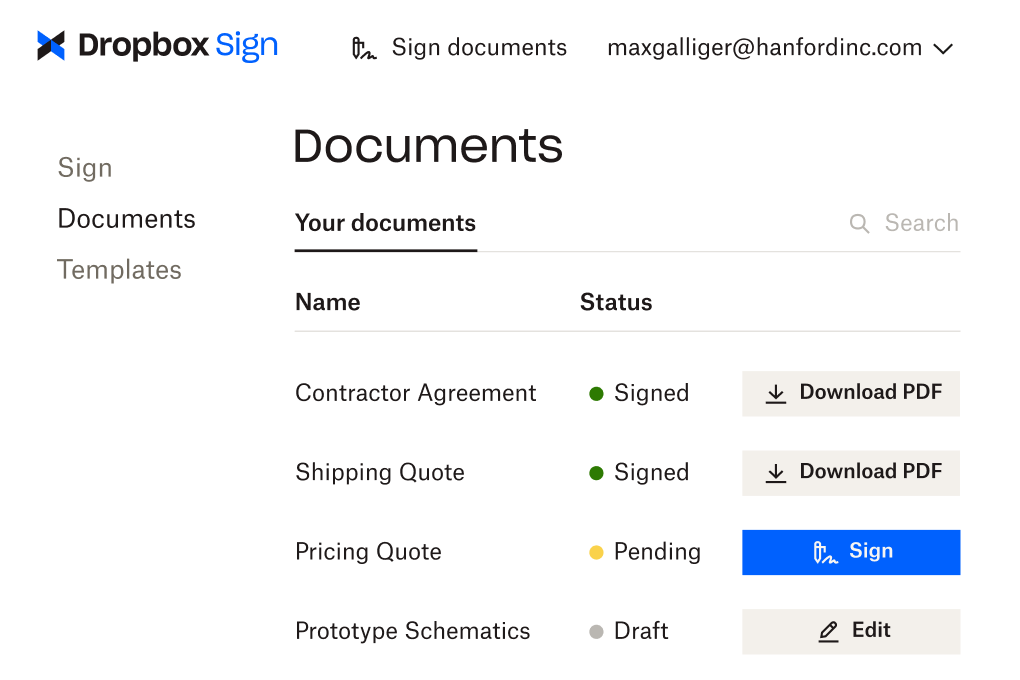
The only other person or entity that may have copies of the signed documents is a business associate—this includes service providers such as Dropbox Sign. A business associate does not have access to PHI, but may hold encrypted PHI on its servers. A business associate agreement is needed between a HIPAA-covered entity and a business associate.
HIPAA compliant eSignatures in a few clicks
Are you ready to transform your healthcare practice with a simple click?
Dropbox Sign is built to revolutionize your document management and begin your journey towards a more optimized, secure approach to patient document management. Personalize your approach with branding options, tailor your documents with customizable templates, and streamline your operations with embedded requesting and signing features.
You can choose from our web app option, or integrate eSignatures directly into your existing systems with our Dropbox Sign API. It’s the simple, developer-friendly way to enhance patient care, ensure HIPAA compliance, and save time and resources.
Explore our API Documentation for developers to find out more, or start using HIPAA-compliant eSignatures in your healthcare practice, today.
진행 상태 확인
Thank you!
Thank you for subscribing!



