Gå til hovedindhold
Ingen fundet.
logo for dropboxsign
Hvorfor Dropbox Sign?
Udvid eller skjul-harmonika

Hvad du kan gøre

Underskriv dokumenter online
Opret elektroniske underskrifter
Vælg eller opret skabeloner
Udfyld og underskriv PDF-filer
Udfyld kontrakter online
Dokumentstyring
Udforsk funktioner
ikon for højrepil

Brugseksempler

Salg og forretningsudvikling
Personaleafdelingen
Nystartede virksomheder
Finansiel teknologi
Ejendomshandel
On-demand-tjenester
Produkter
Udvid eller skjul-harmonika
ikon for dropbox
Sign
Gør det nemt at sende og underskrive
ikon for dropbox
Sign API
Integrer eSign i dit workflow
ikon for dropbox fax
Fax
Send faxer uden faxmaskine
ikon for dropbox-integrationer
Integrationer
Vi møder dig, hvor du arbejder
Ressourcer
Udvid eller skjul-harmonika
Blog
Ekspertise inden for arbejdsgange og produktnyheder
Kundehistorier
Virkelige erfaringer med virkelige resultater
Hjælpecenter
Uddybende vejledning om vores produkter
Ressourcebibliotek
Rapporter, videoer og informationsark
Udviklere
Priser
Udvid eller skjul-harmonika
Priser for Dropbox Sign
Find den rigtige plan til dig
Priser for Dropbox Sign API
Virkelige erfaringer med virkelige resultater
Kontakt salgsteamet
Opret en konto
Kontakt salg
Log på
Udvid eller skjul-harmonika
Dropbox Sign
Dropbox Forms
Dropbox Fax
Gratis prøveperiode
logo for dropboxsignikonet tilføjIronclad-logo
Integrationer
Ironclad

Unblock contract workflows with a seamless eSignature experience for Ironclad

Sign documents, request eSignatures for contracts, and track contract progress with the pre-built Dropbox Sign for Ironclad solution.

Kom i gang
Route contracts through Dropbox Sign

Contracts can be sent to two counter-parties for eSignature using Dropbox Sign. Each party receives email notifications prompting them to sign the contract.

‍

Route contracts through Dropbox Sign

Contracts can be sent to two counter-parties for eSignature using Dropbox Sign. Each party receives email notifications prompting them to sign the contract.

‍

Create a clear audit trail for every eSignature request

All signer activities are recorded in a dedicated repository for easy access and future reference.

‍

Create a clear audit trail for every eSignature request

All signer activities are recorded in a dedicated repository for easy access and future reference.

‍

Save documents straight back to Dropbox Sign

Signed forms, documents, and contracts can be sent directly from Dropbox, and are automatically saved back to your Dropbox account thanks to Dropbox Sign.

Save documents straight back to Dropbox Sign

Signed forms, documents, and contracts can be sent directly from Dropbox, and are automatically saved back to your Dropbox account thanks to Dropbox Sign.

How to integrate Dropbox Sign and Ironclad in minutes

Start with Ironclad

Our pre-built integration makes it quick and simple to add electronic signatures to Ironclad contracts.

As an admin user, start by logging in to Ironclad. Once signed in, click your name in the top-right corner, and select Company Settings.

The Ironclad logo.

Link your Ironclad account with Dropbox Sign

Next, select Integrations and then Dropbox Sign.

Click Link Account, and log in to the Dropbox Sign account you want to connect to Ironclad.

You’ll be directed back to the Dropbox Sign Integrations page on Ironclad.

The logos for Dropbox Sign and Ironclad, with a plus sign between them.

Start routing your contracts through Dropbox Sign

Your Dropbox Sign account is now linked, and ready to go.

All you need to do is select the contract you want to request an eSignature for, and send it through Dropbox Sign.

Note: You must have Dropbox API access to connect your Dropbox account to Ironclad.

‍

An illustration of a document with an “x” next to a place for a signature. Below it is a button with the text “Sign or Send” on it, and a cursor hovering over the button.

Ingen fundet.

Løsninger, der giver målbare resultater

Ingen fundet.
ikonet afspil

Se casestudie
3 personer står ved et diagram på et skrivebord og diskuterer
logo cosi
“Det er en utrolig mængde tid, som Dropbox Sign og Dropbox har sparet for vores virksomhed. Vi kan frigøre hundredvis af timer brugt på papirarbejde og filhåndtering, så vi kan gøre vores kreative arbejde færdigt hurtigere.”
Matt Seigel, administrerende direktør, Collier.Simon

Ofte stillede spørgsmål

Besøg vores ofte stillede spørgsmål

Do I need a license for Ironclad and for Dropbox Sign to use this integration?

Udvid eller skjul-harmonika

Yes, you need a license for both Ironclad and Dropbox Sign.

Does each person need a Dropbox Sign license to sign documents through Ironclad?

Udvid eller skjul-harmonika

No. Only the sender needs a Dropbox Sign account in order to send a contract. The recipient doesn’t need an account to sign the agreement.

Can I reassign a signature request to a different signer?

Udvid eller skjul-harmonika

Sending a signature request to an incorrect email address, or just the wrong person, is never ideal.

Signer reassignment allows recipients of documents to easily route documents to the right person. All they need to do is enter the name and email address of the correct person, and then reassign that signature request. Problem solved!

However, bear in mind the signer reassignment feature is only available if you have a Dropbox Sign Premium plan.

Ressourcer

Image of the Dropbox Sign integration within the Salesforce app.

Seamlessly integrate eSignatures with Salesforce

Send contracts for signature, track status updates, and auto-fill contract details without ever leaving Salesforce
Få mere at vide
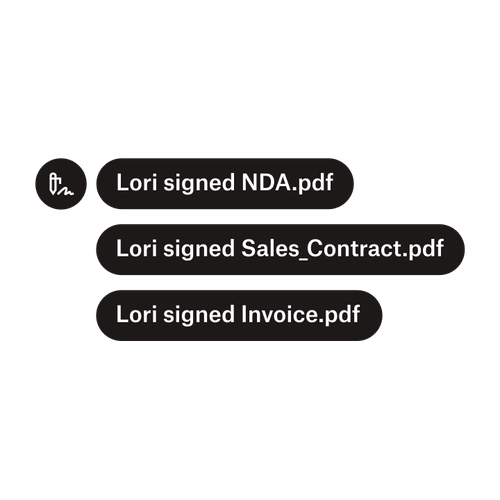
Tre meddelelser angiver, at Lori her underskrevet “NDA.pdf”, “Salgskontrakt.pdf” og “Faktura.pdf”.

Send dokumenter til flere underskrivere

Det er nemmere at oprette godkendelsesprocesser med flere underskrivere, end man lige skulle tro. Man skal bare have de rigtige værktøjer.
Læs artikel
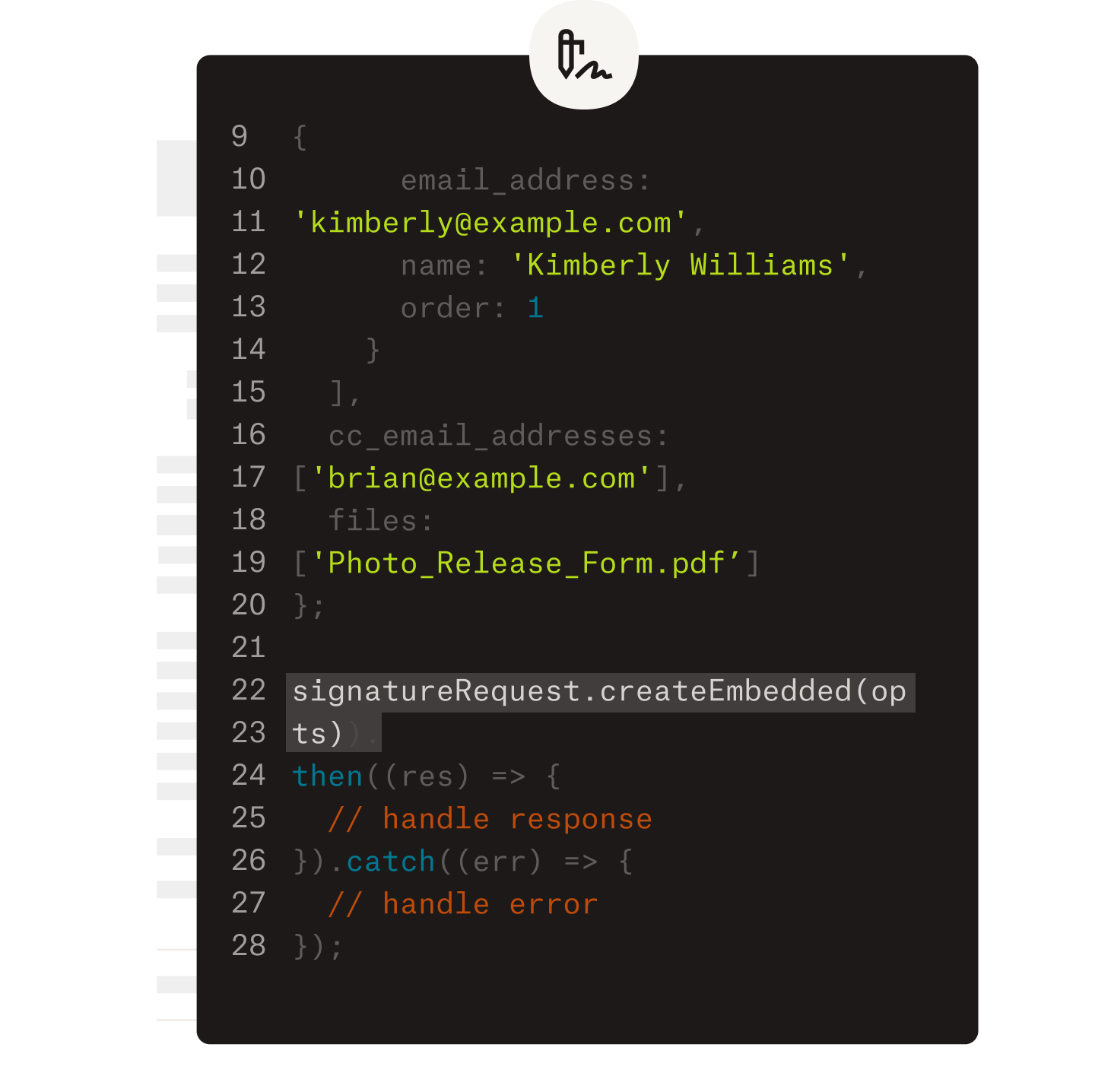
Et eksempel på kode, der arbejdes på som en del af implementeringen af Dropbox Sign API’en.

Gør arbejdsgange enklere med vores brugervenlige e-signatur-API

Se, hvordan Dropbox Sign API nemt kan integreres i din app eller på dit website.

Få mere at vide

Get Ironclad contracts rapidly signed, sealed, and saved with Dropbox Sign

Start din gratis prøveperiode

Lær, hvordan genanvendelige Dropbox Sign-skabeloner sparer dig tid. Forbered dit dokument én gang. Genbrug det på få sekunder. Strømlin alle underskriftsanmodninger med Dropbox Sign-skabeloner.

Hurtigere, smartere, mere sikker: Sådan sætter Dropbox Sign fart på virksomheder i 2025

Tilmelding af kohorte med Dropbox Sign API

Produkter
Dropbox SignDropbox Sign API-produkterDropbox FaxIntegrationer
Hvorfor Dropbox Sign?
Elektroniske underskrifterUnderskriv dokumenterUnderskriv og udfyld PDF-filerOnline kontrakterOpret elektroniske underskrifterEditor til underskriftUnderskriv Word-dokumenter
Support
HjælpecenterKontakt salgsteametKontakt supportAdministrer cookiesKom godt i gang: Dropbox SignKom godt i gang: Dropbox Sign API
Ressourcer
BlogKundehistorierRessourcecenterLegalitetsvejledningTrust Center
Partnere
Strategiske partnerePartnersøgning
Virksomhed
KarriereVilkårPersondata
ikon for facebookikon for youtube

Accepterede betalingsmetoder

Mastercard-logoVisa-logoAmerican Express-logoDiscover-logo
Badge for overholdelse af CPABadge for overholdelse af HIPAASky High Enterprise Ready-badgeBadge for ISO 9001-certificeret

Elektroniske underskrifter i Dropbox Sign er juridisk bindende i USA, EU, Storbritannien og i mange andre lande i hele verden.
Du kan få flere oplysninger i vores Vilkår og betingelser og Persondatapolitik