Direkt zum Hauptinhalt
Keine Inhalte gefunden.
Logo von Dropbox Sign
Warum Dropbox Sign?
Akkordeon auf- oder zuklappen

Das können Sie tun

Dokumente online unterzeichnen
Elektronische Signaturen erstellen
Vorlagen auswählen oder erstellen
PDFs unterzeichnen und ausfüllen
Online-Verträge ausfüllen
Dokumentenverwaltung
Features erkunden
Symbolpfeil rechts

Anwendungsfälle

Vertrieb und Geschäftsentwicklung
Personalwesen
Start-ups
Finanztechnologie
Immobilien
On-Demand-Services
Produkte
Akkordeon auf- oder zuklappen
Symbol Dropbox
Sign
Einfaches Versenden und Unterschreiben
Symbol Dropbox
Sign API
Integrieren Sie eSign in Ihren Arbeitsablauf
Dropbox Fax-Symbol
Fax
Faxversand ganz ohne Faxgerät
Dropbox-Integrationen-Symbol
Integrationen
Wir passen uns an Ihre Arbeit an
Ressourcen
Akkordeon auf- oder zuklappen
Blog
Workflow-Fachwissen und Produktneuheiten
Erfolgsgeschichten von Kunden
Geschichten aus der realen Welt mit realen Ergebnissen
Hilfecenter
Ausführliche Anleitung für unsere Produkte
Ressourcenbibliothek
Berichte, Videos und Infoblätter
Entwickler
Preise
Akkordeon auf- oder zuklappen
Dropbox Sign – Preisgestaltung
Das individuell passende Abo finden
Dropbox Sign API – Preisgestaltung
Geschichten aus der realen Welt mit realen Ergebnissen
Vertrieb kontaktieren
Registrieren
Vertrieb kontaktieren
Anmelden
Akkordeon auf- oder zuklappen
Dropbox Sign
Dropbox Forms
Dropbox Fax
Kostenloses Probeabo
Logo von Dropbox SignSymbol „Hinzufügen“Ironclad-Logo
Integrationen
Ironclad

Unblock contract workflows with a seamless eSignature experience for Ironclad

Sign documents, request eSignatures for contracts, and track contract progress with the pre-built Dropbox Sign for Ironclad solution.

Jetzt starten
Route contracts through Dropbox Sign

Contracts can be sent to two counter-parties for eSignature using Dropbox Sign. Each party receives email notifications prompting them to sign the contract.

‍

Route contracts through Dropbox Sign

Contracts can be sent to two counter-parties for eSignature using Dropbox Sign. Each party receives email notifications prompting them to sign the contract.

‍

Create a clear audit trail for every eSignature request

All signer activities are recorded in a dedicated repository for easy access and future reference.

‍

Create a clear audit trail for every eSignature request

All signer activities are recorded in a dedicated repository for easy access and future reference.

‍

Save documents straight back to Dropbox Sign

Signed forms, documents, and contracts can be sent directly from Dropbox, and are automatically saved back to your Dropbox account thanks to Dropbox Sign.

Save documents straight back to Dropbox Sign

Signed forms, documents, and contracts can be sent directly from Dropbox, and are automatically saved back to your Dropbox account thanks to Dropbox Sign.

How to integrate Dropbox Sign and Ironclad in minutes

Start with Ironclad

Our pre-built integration makes it quick and simple to add electronic signatures to Ironclad contracts.

As an admin user, start by logging in to Ironclad. Once signed in, click your name in the top-right corner, and select Company Settings.

The Ironclad logo.

Link your Ironclad account with Dropbox Sign

Next, select Integrations and then Dropbox Sign.

Click Link Account, and log in to the Dropbox Sign account you want to connect to Ironclad.

You’ll be directed back to the Dropbox Sign Integrations page on Ironclad.

The logos for Dropbox Sign and Ironclad, with a plus sign between them.

Start routing your contracts through Dropbox Sign

Your Dropbox Sign account is now linked, and ready to go.

All you need to do is select the contract you want to request an eSignature for, and send it through Dropbox Sign.

Note: You must have Dropbox API access to connect your Dropbox account to Ironclad.

‍

An illustration of a document with an “x” next to a place for a signature. Below it is a button with the text “Sign or Send” on it, and a cursor hovering over the button.

Keine Inhalte gefunden.

Lösungen, die messbare Ergebnisse erzielen

Keine Inhalte gefunden.
Symbol „Abspielen“

Fallstudie ansehen
3 Personen beugen sich über ein Diagramm, das auf einem Bürotisch ausgebreitet ist, und diskutieren
Logo von Cosi
„Die Zeit, die Dropbox Sign und Dropbox unserem Unternehmen eingespart haben, ist unglaublich. Wir können Hunderte von Stunden einsparen, die wir früher mit Papierkram und Dateiverwaltung verbracht haben, und können so schneller kreativ arbeiten.“
Matt Seigel, President, Collier.Simon

Häufig gestellte Fragen

Zu den FAQ

Do I need a license for Ironclad and for Dropbox Sign to use this integration?

Akkordeon auf- oder zuklappen

Yes, you need a license for both Ironclad and Dropbox Sign.

Does each person need a Dropbox Sign license to sign documents through Ironclad?

Akkordeon auf- oder zuklappen

No. Only the sender needs a Dropbox Sign account in order to send a contract. The recipient doesn’t need an account to sign the agreement.

Can I reassign a signature request to a different signer?

Akkordeon auf- oder zuklappen

Sending a signature request to an incorrect email address, or just the wrong person, is never ideal.

Signer reassignment allows recipients of documents to easily route documents to the right person. All they need to do is enter the name and email address of the correct person, and then reassign that signature request. Problem solved!

However, bear in mind the signer reassignment feature is only available if you have a Dropbox Sign Premium plan.

Ressourcen

Image of the Dropbox Sign integration within the Salesforce app.

Seamlessly integrate eSignatures with Salesforce

Send contracts for signature, track status updates, and auto-fill contract details without ever leaving Salesforce
Mehr erfahren
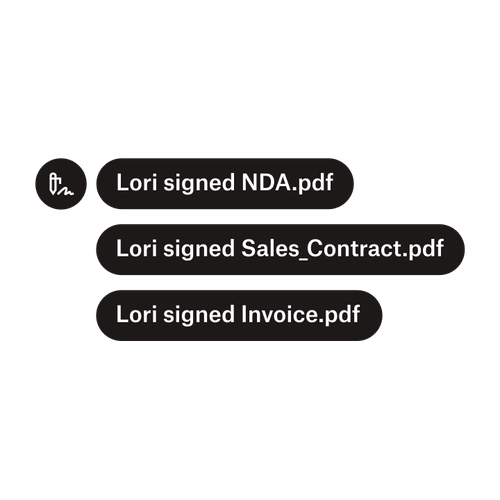
Drei Benachrichtigungen zeigen an, dass Lori „NDA.pdf“, „Sale_Contract.pdf“ und „Invoice.pdf“ unterschrieben hat.

Dokumente an mehrere Unterzeichner senden

Das Erstellen von Arbeitsabläufen für Genehmigungen von mehreren Unterzeichnern ist einfacher, als Sie vermuten. Sie benötigen nur die richtigen Tools dafür.
Artikel lesen
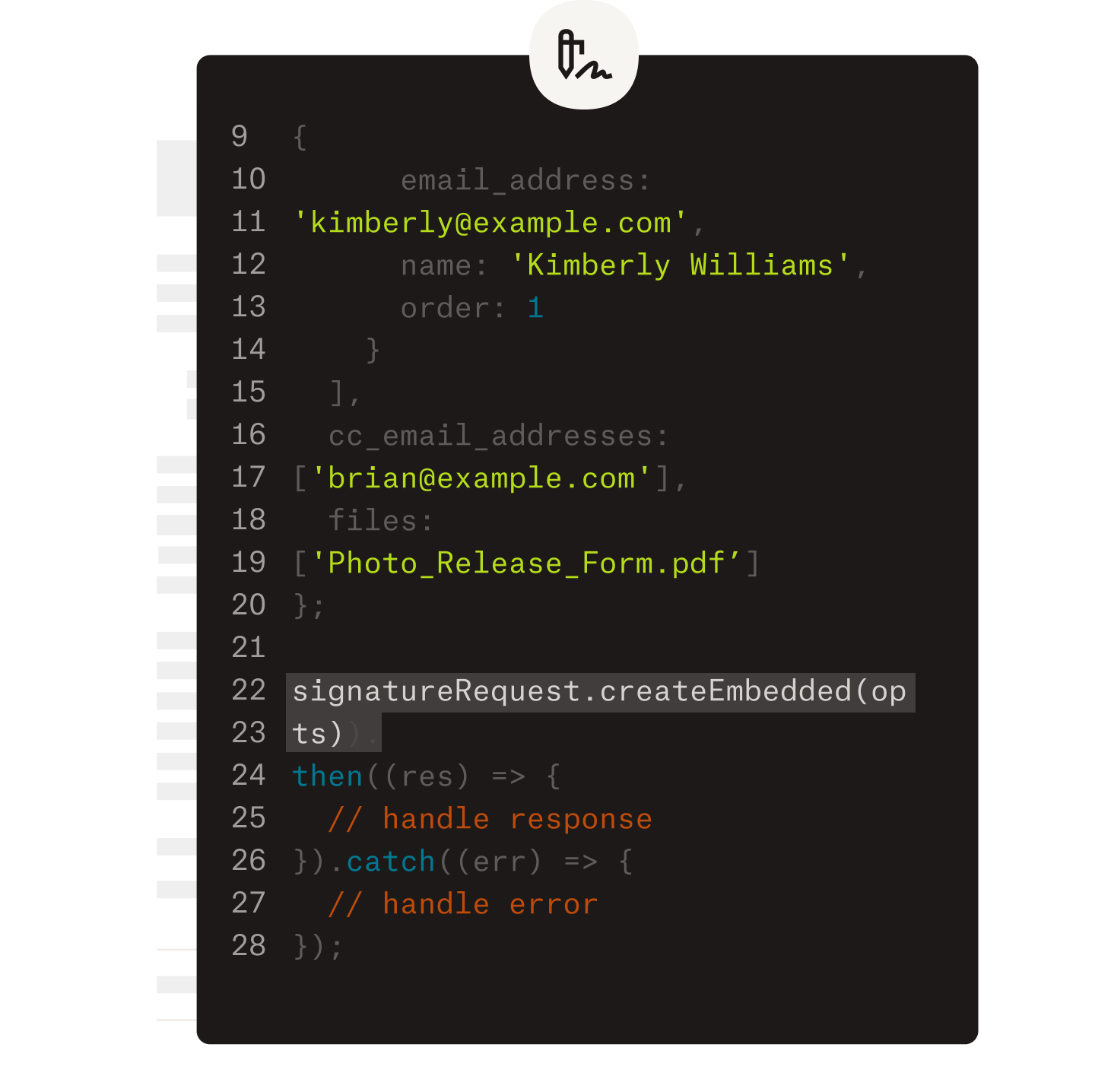
Darstellung der Bearbeitung von Code als Beispiel für die Implementierung der Dropbox Sign API.

Vereinfachen Sie Workflows mit unserer benutzerfreundlichen E-Signatur-API

Entdecken Sie, wie sich die Dropbox Sign API nahtlos in Ihre Anwendung oder Website integrieren lässt.

Mehr erfahren

Get Ironclad contracts rapidly signed, sealed, and saved with Dropbox Sign

Jetzt kostenloses Probeabo starten

Erstellen Sie mit dem Online-Signaturerstellungstool von Dropbox Sign in wenigen einfachen Schritten eine individuelle elektronische Signatur von Ihrem Namen. Registrieren Sie sich noch heute kostenlos.

Schneller, intelligenter, sicherer: Wie Dropbox Sign die Geschäftsentwicklung im Jahr 2025 vorantreibt

Onboarding nach Kohorten mit Dropbox Sign API

Produkte
Dropbox SignDropbox Sign APIDropbox FaxIntegrationen
Warum Dropbox Sign?
Elektronische SignaturenDokumente unterzeichnenPDFs unterzeichnen und ausfüllenOnline-VerträgeElektronische Signaturen erstellenSignatur-EditorWord-Dokumente unterzeichnen
Support
HilfecenterVertrieb kontaktierenSupport kontaktierenCookies verwaltenErste Schritte: Dropbox SignErste Schritte: Dropbox Sign API
Ressourcen
BlogErfolgsgeschichten von KundenRessourcen-CenterLeitfaden zur RechtsverbindlichkeitTrust Center
Partner
Strategische PartnerVertriebspartner suchen
Unternehmen
KarriereNutzungsbedingungenDatenschutz
Symbol FacebookSymbol YouTube

Akzeptierte Zahlungsmethoden

Logo von MastercardLogo von VisaLogo von American ExpressLogo von Discover
CPA-Compliance-AbzeichenHIPAA-Compliance-AbzeichenSkyHigh Enterprise Ready-AbzeichenZertifiziertes ISO 9001-Abzeichen

Elektronische Signaturen von Dropbox Sign sind rechtsgültig in den USA, der Europäischen Union, in Großbritannien und in vielen anderen Ländern der Welt.
Weitere Informationen finden Sie in unseren Allgemeinen Geschäftsbedingungen und der Datenschutzrichtlinie