Dropbox Sign으로 전환하고 최대 $25,000를 절약하세요.
메인 콘텐츠로 건너뛰기
dropboxsign 로고
영업팀에 문의
가입
영업팀에 문의
30일 무료 평가판 시작
Dropbox Sign vs AdobeSign

The Adobe Sign alternative made for simpler signing

Keep agreements moving forward with an intuitive eSignature solution. Businesses choose Dropbox Sign for its easy setup, streamlined workflows, and quality support.*

*출처: G2, 2026년
30일 무료 평가판 시작하기
데모 받기
체험 중 언제든 취소 가능

복잡하지 않은 기능

광범위한 플랫폼의 간접비는 제외하고 팀에 필요한 기능을 제공하세요.

장시간이 소요되는 구축 과정 없음

설정 및 관리 작업 부담을 줄여 모든 사용자가 신속하게 업무를 시작할 수 있습니다.

회사의 성장에 맞춰 예측 가능한 요금

팀의 업무 방식에 맞게 비용을 조정하세요. 예산 한도나 숨겨진 초과 사용 비용이 없습니다.

Dropbox Sign vs Adobe Sign: how they stack up

팀이 사용하는 전자 서명 기능과 Dropbox Sign을 비교해 보세요.

Dropbox Sign

AdobeSign

주요 기능
법적 구속력이 있는 디지털 서명 오른쪽 방향 화살표 아이콘
제공되는 기능
제공되는 기능
반복적으로 사용할 수 있는 템플릿 오른쪽 방향 화살표 아이콘
제공되는 기능
제공되는 기능
대량 전송 오른쪽 방향 화살표 아이콘
제공되는 기능
제공되는 기능
자동 리마인더 오른쪽 방향 화살표 아이콘
제공되는 기능
제공되는 기능
감사 내역 오른쪽 방향 화살표 아이콘
제공되는 기능
제공되는 기능
엔터프라이즈급 보안 오른쪽 방향 화살표 아이콘
제공되는 기능
제공되는 기능
API 오른쪽 방향 화살표 아이콘
제공되는 기능
제공되는 기능
삽입된 서명 오른쪽 방향 화살표 아이콘
제공되는 기능
제공되는 기능
맞춤 브랜딩 오른쪽 방향 화살표 아이콘
제공되는 기능
제공되는 기능
사전 구축된 비즈니스 앱 통합 오른쪽 방향 화살표 아이콘
제공되는 기능
제공되는 기능
Dropbox 통합 오른쪽 방향 화살표 아이콘
제공되는 기능
제공되는 기능
Dropbox 내 네이티브 전자 서명 경험 오른쪽 방향 화살표 아이콘
제공되는 기능

사용할 수 없음

라이선스당 요금제에서 무제한 서명 요청 오른쪽 방향 화살표 아이콘
제공되는 기능

요금제에 따라 다름

예산 한도나 숨겨진 초과 사용 비용 없음 오른쪽 방향 화살표 아이콘
제공되는 기능

한도 및 추가 요금이 부과될 수 있음

미리 계획할 수 있는 비용

발신자, 수량, 워크플로에 따라 발신자당 및 요청당으로 유연한 요금 옵션을 이용하실 수 있습니다. 예산 한도나 숨겨진 초과 사용 비용이 없으므로 안심하고 전자 서명 사용량을 늘릴 수 있습니다.

Dropbox Sign

기본요금
$15/월(1인당)

연간 $180 청구

요금제 보기

Dropbox Sign API

기본요금
$75/월(요청 50건당)

연간 $900 청구

요금제 보기

Dropbox Sign vs Adobe Acrobat Sign: streamline every step

Sign이 계약 절차 전반에 걸쳐 앱 전환, 구현 작업 및 마찰을 줄이는 데 어떻게 도움이 되는지 알아보세요.

Cut repetitive work

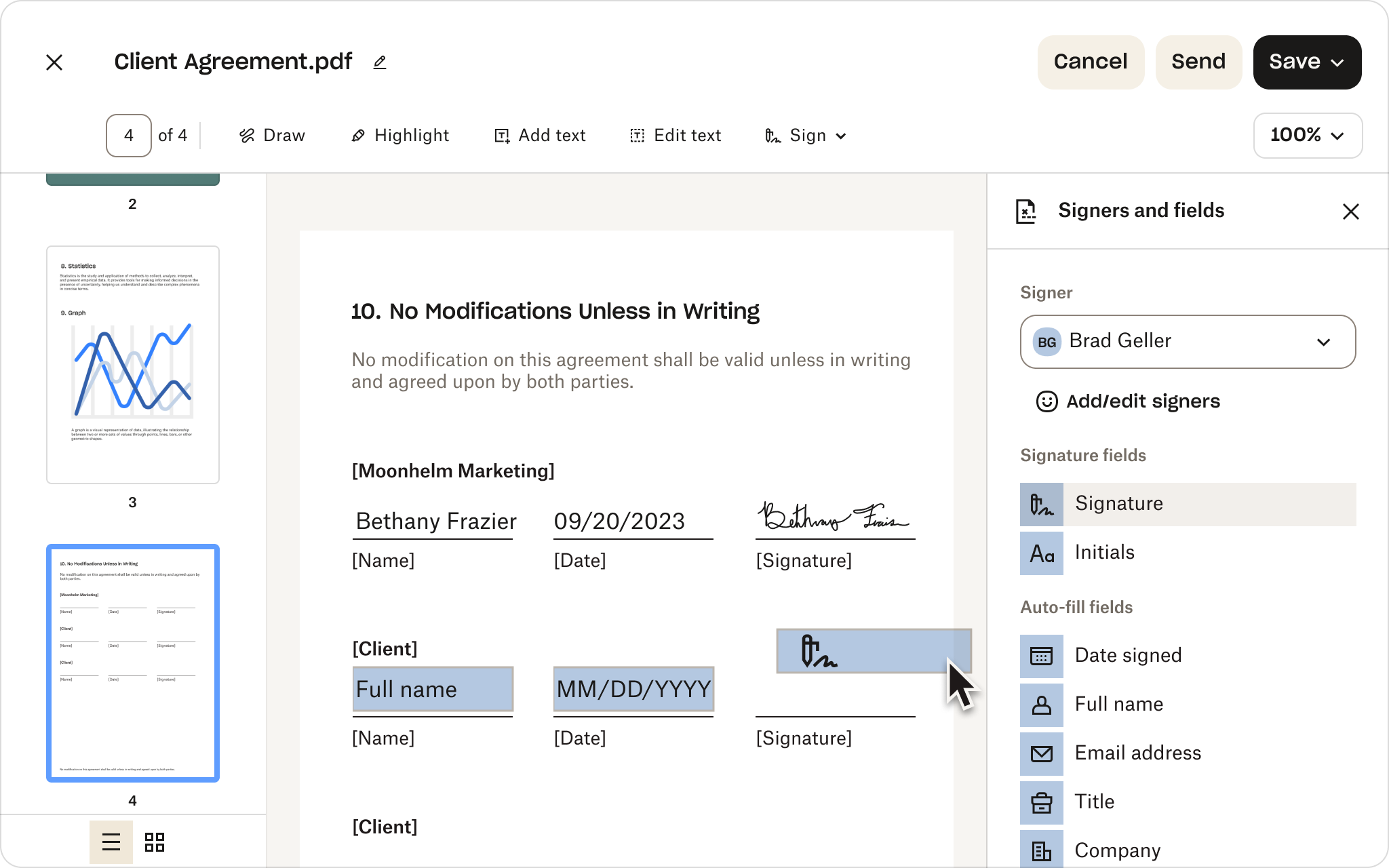
Turn frequently used documents into reusable templates instead of starting from scratch each time. Then prepare agreements easily with drag-and-drop signer fields and pre-filled information.
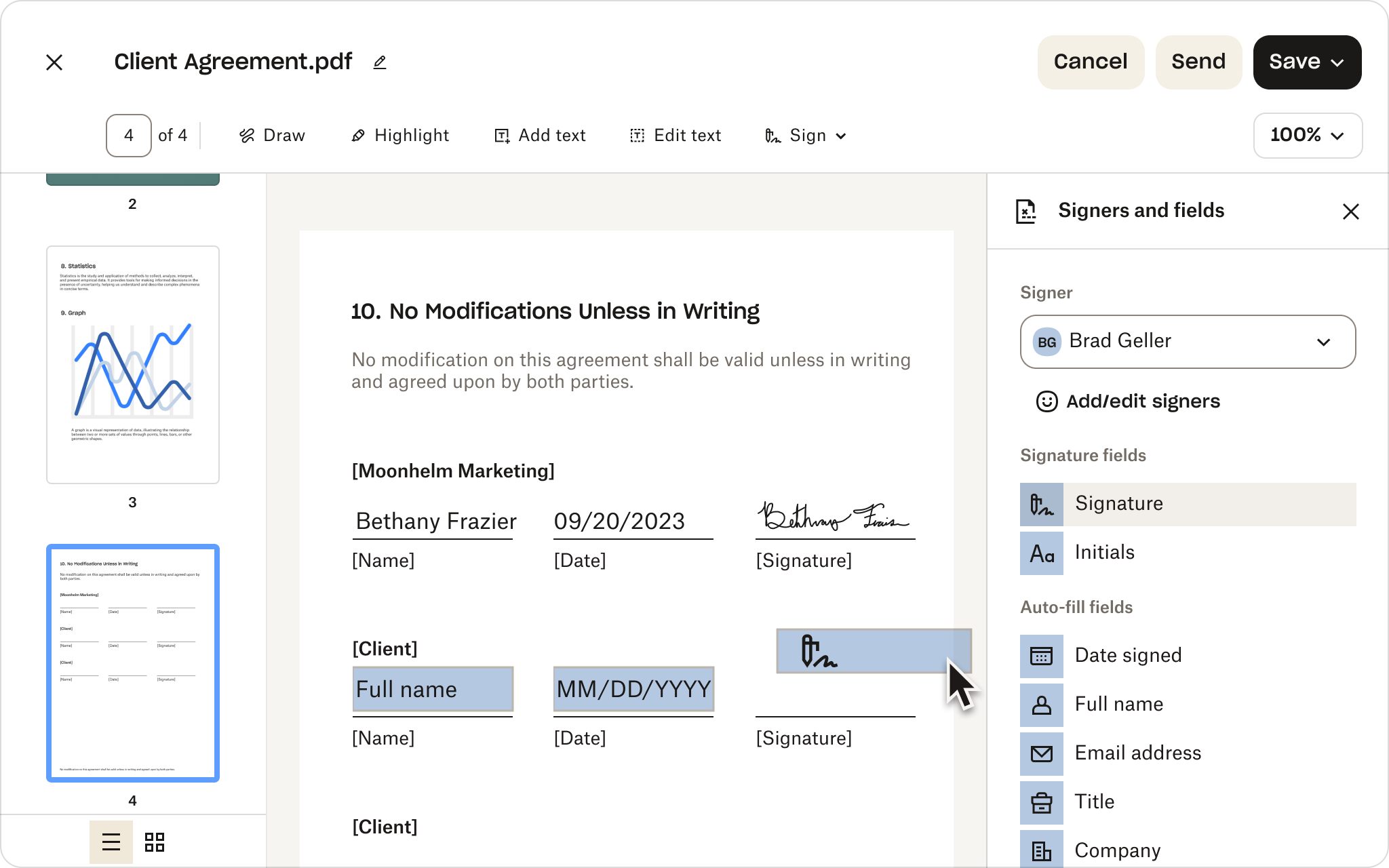
템플릿 살펴보기 오른쪽 방향 화살표 아이콘
대규모로 전송하고 후속 조치를 자동화하세요

Use bulk send to create individual signature requests for large recipient lists in one step. Automated reminders and notifications keep next steps moving without having to chase people down.
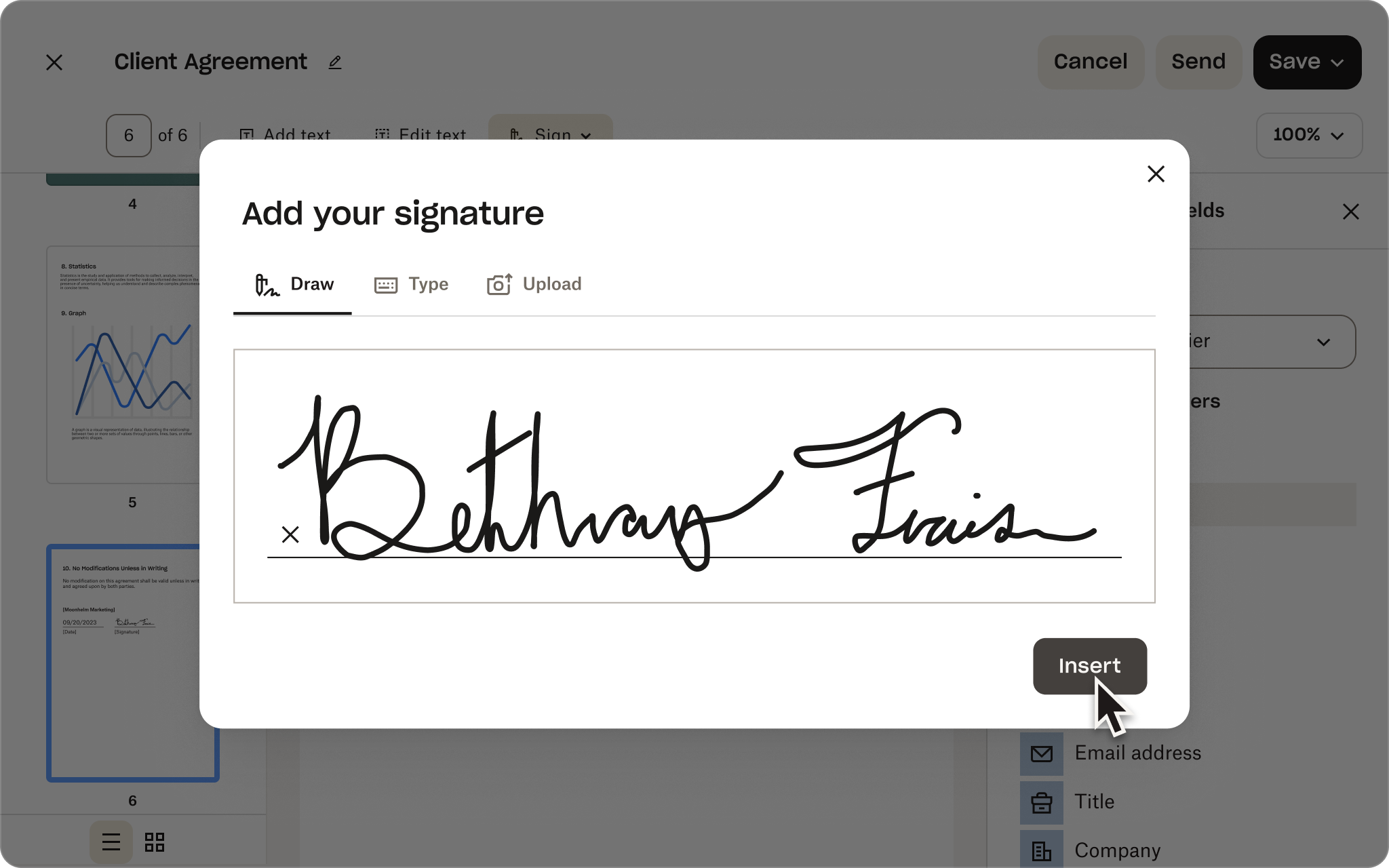
기능 살펴보기 오른쪽 방향 화살표 아이콘
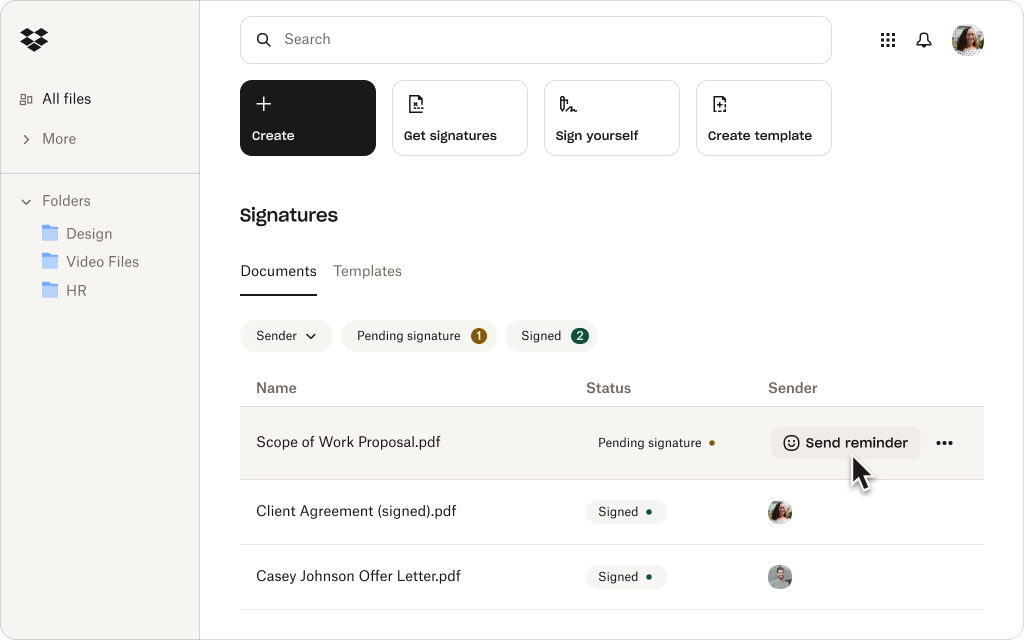
즉각적인 가시성으로 진행 상황 추적

Stay ahead of delays. Performance dashboards give your team a clear view of where agreements stand and what needs attention, helping them catch issues early and prioritize follow-up.
요금제 보기 오른쪽 방향 화살표 아이콘
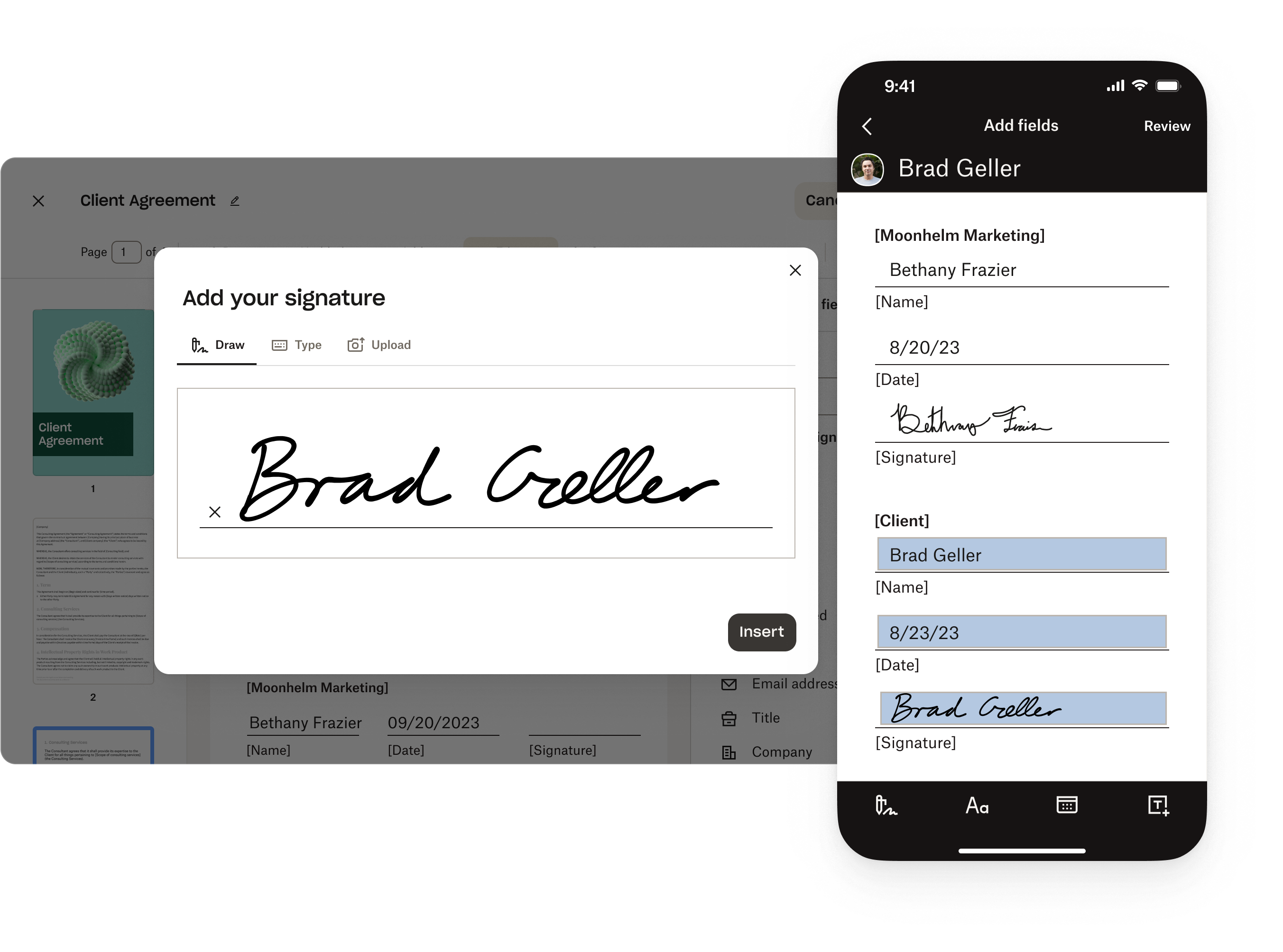
Make signing easy on mobile

From customers and vendors to new hires, give people more flexibility to sign on the go. They can open, review, and complete signature requests from a phone or tablet, so being away from their desk doesn’t hold things up.
기능 살펴보기 오른쪽 방향 화살표 아이콘
Bring eSignature into existing workflows

Connect Sign to supported CRM, HR, productivity, and collaboration apps. Teams working in Dropbox can also prepare and send files for signature and automatically save signed copies alongside the original.
통합 기능 살펴보기 오른쪽 방향 화살표 아이콘
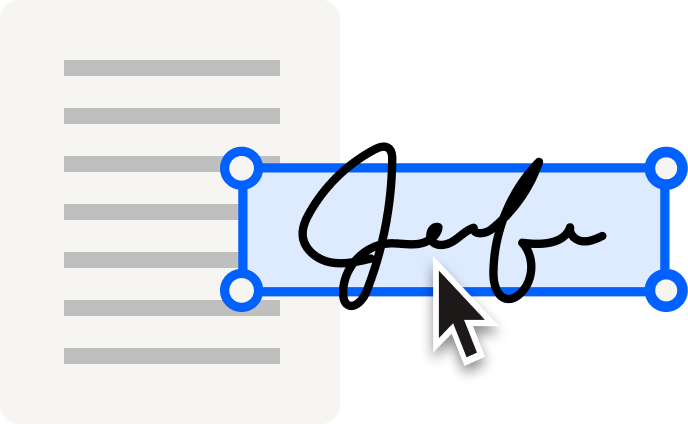
Protect sensitive information

Move agreements confidently with enterprise-grade security features, including encryption, signer authentication, and time-stamped audit trails. Sign is SOC 2 Type II compliant and supports HIPAA, GDPR, and eIDAS.
요금제 보기 오른쪽 방향 화살표 아이콘

Customers rank Dropbox Sign above Adobe Acrobat Sign

Businesses turn to Sign for its simpler signature workflow, free live support, and more.*

*출처: G2, 2026년

G2 살펴보기 오른쪽 방향 화살표 아이콘

“I feel that Dropbox Sign demonstrates an industry standard. We can use the program for the most basic of documents to many complex situations. They have a significant amount of training documents available to show you how to go a step beyond the basics. But when needed, you get top-notch assistance directly from a representative. It has the ability to customize forms, save templates, and so much more that streamlines your work.”


후기 전문 읽기 오른쪽 화살표 아이콘
Rita H
Senior Project Team Administrative Assistant

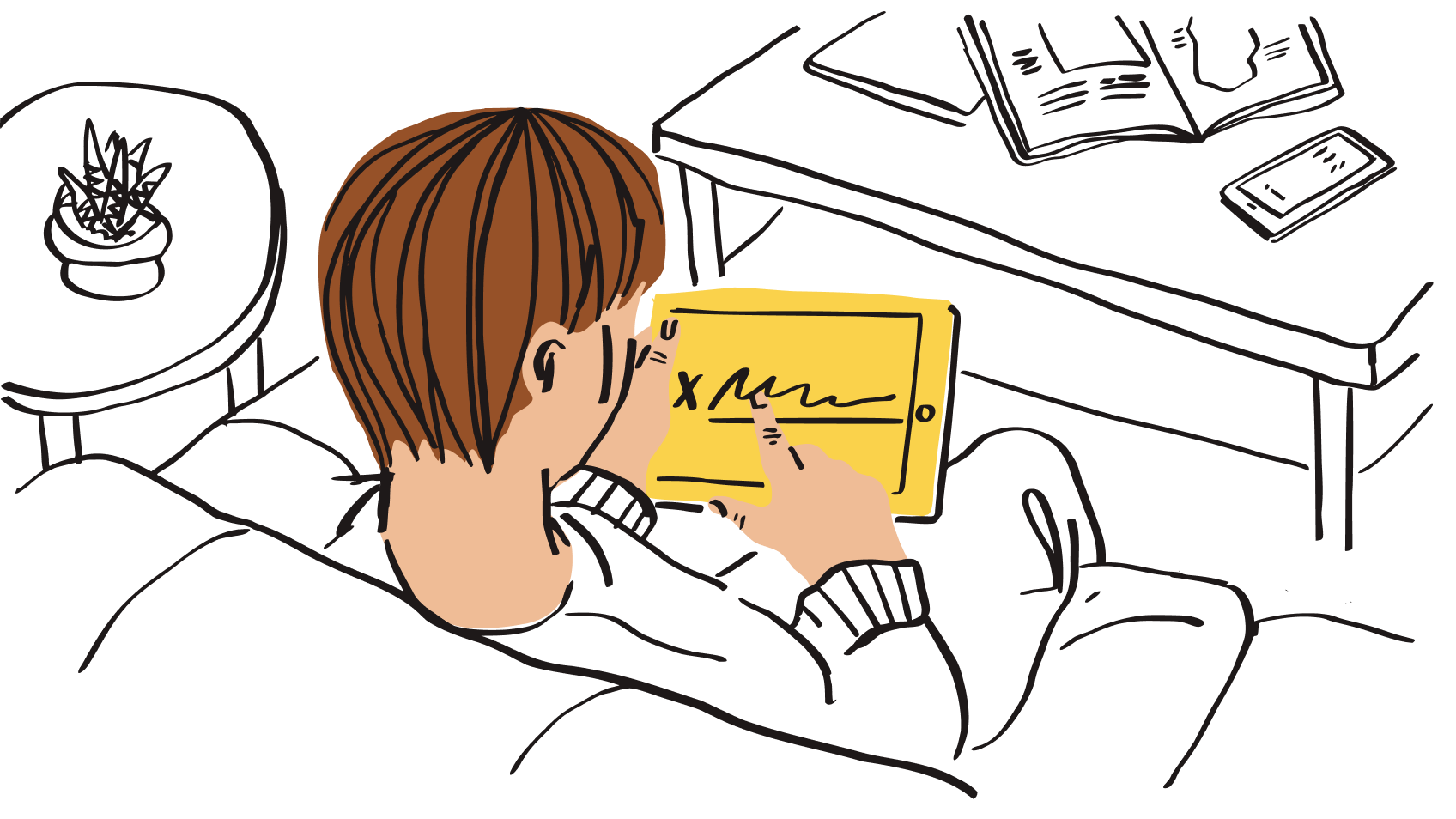
“Dropbox Sign makes it easy to upload my PDF contracts and add the right signature fields so my clients can view and properly sign contracts easily. Every client to whom I have sent a contract in Dropbox Sign has been able to access it easily and understand how to sign it without my help. I have never had a complaint.”
후기 전문 읽기 오른쪽 화살표 아이콘
Jennae P
Founder, Graphic Design

“We chose Dropbox Sign over other similar applications because of its straightforward approach to templating PDFs and collecting document signatures. In particular, we wanted to have multiple users and be able to quickly get our legal documents signed without much hassle or management. Dropbox Sign has allowed us to effectively manage our signatures, and we can’t ask for much more! We use it about 3–4 times a month for external signatures from our clients and partners. We also trust that the signatures are verifiable and secure.”

후기 전문 읽기 오른쪽 화살표 아이콘
Benjamin B
Small Business CEO

01/00

Live support at no extra cost

Every Sign customer can get help from a real person when they need it, whether they have a technical, account, or billing question.

요금제 보기 오른쪽 방향 화살표 아이콘

수백만 명이 신뢰하는 전자 서명 플랫폼

When their eSignature provider hiked their rates more than 400%, pharmacy platform Trxade switched to Dropbox Sign in days.
‍
“My biggest liking about Dropbox Sign was just the ease. We used some of your advanced functionality right off the bat, and it was really quick to implement, and that was really nice.”

사례 연구 보기

Trxade CTO, Jeff Davis

"Dropbox Sign 덕분에 고객들이 추가적인 시간을 들이거나 큰 어려움에 부딪히는 일 없이 전자 서명 기능을 사용할 수 있게 되었습니다. 우리는 사용자 경험을 매우 중요하게 생각합니다. 그래서 깔끔한 UX/UI 환경의 중요성을 아는 기업들과 협업합니다.”

사례 연구 보기

Aaron Gilbralter, Director of Product Engineering, Greenhouse

"Dropbox Forms has significantly improved our completion rate for
onboarding shoppers over our previous PDF and email-based system. Allowing paperwork completion to be done in-app has made the onboarding experience seamless for Shopper applicants."

사례 연구 보기

Bill Babeaux, Product Manager, Instacart

"저희가 Hellosign 도입으로 얻은 가장 큰 이득은 정확성과 완결성입니다. 이전에는 거의 불가능한 일이었죠."

사례 연구 보기

StackExchange CFO, Jack Sinclair

모든 사례 보기

Dropbox Sign and Adobe Acrobat Sign FAQs

Is Dropbox Sign a good Adobe Acrobat Sign alternative?

아코디언 메뉴 펼치기/접기

Dropbox Sign, formerly HelloSign, is a strong Adobe Sign alternative for teams that want the signing capabilities they rely on without the complexity of a broader eSignature platform. It’s easy to use, quick to roll out, and offers transparent, predictable pricing with no envelope caps or hidden overage fees.

Dropbox Sign은 HelloSign과 동일한가요?

아코디언 메뉴 펼치기/접기

Yes. Dropbox Sign, formerly HelloSign, is the same eSignature product under the Dropbox brand. That means older comparisons framed as HelloSign vs Adobe Sign or Adobe Sign vs HelloSign now refer to Dropbox Sign vs Adobe Sign.

How does Dropbox Sign pricing work?

아코디언 메뉴 펼치기/접기

Sign plans offer transparent, predictable pricing with no envelope caps or hidden overage fees. This helps teams plan for growth without paying for extra features they might not need.

Can Dropbox Sign work with the tools my team already uses?

아코디언 메뉴 펼치기/접기

Yes. Sign connects with supported CRM, HR, productivity, and collaboration apps. Teams that already use Dropbox can prepare and send agreements from their workspace, then automatically save completed copies beside the original.

How does Dropbox Sign keep sensitive documents secure?

아코디언 메뉴 펼치기/접기

Sign helps protect data and verify signing activity with enterprise-grade features, including encryption in transit and at rest, signer verification, and time-stamped audit trails. Sign is also SOC 2 Type II compliant and supports HIPAA, GDPR, and eIDAS.

전송에서 서명까지 더 빠르게

30일 무료 평가판 시작하기
영업팀에 문의

*출처: G2, 2026년

Dropbox Sign API로 시간과 비용을 절약하는 방법을 살펴보세요. Dropbox Sign팀이 비즈니스의 요구 사항을 충족하는 솔루션을 맞춤 구축하고, 전담 구현 서비스와 지원 서비스를 통해 전환 작업이 최대한 원활하게 진행될 수 있도록 도와드립니다.

감사합니다!
곧 연락드리겠습니다.

CPA 컴플라이언스 배지HIPAA 컴플라이언스 배지Sky High Enterprise Ready 배지ISO 9001 인증 배지

Dropbox Sign 전자 서명은 미국, 유럽연합, 영국을 비롯해 전 세계 많은 국가에서 법적 구속력을 발휘합니다.
더 자세한 정보는 이용 약관과 개인정보처리방침에서 확인할 수 있습니다.