Lewatkan ke konten utama
Tidak ada item yang ditemukan.
logo dropboxsign
Mengapa Dropbox Sign?
Perluas atau ciutkan akordeon

Apa yang dapat Anda lakukan

Menandatangani dokumen online
Buat tanda tangan elektronik
Pilih atau buat templat
Mengisi dan menandatangani PDF
Menyelesaikan kontrak online
Manajemen dokumen
Pelajari fitur-fitur
ikon panah kanan

Kasus penggunaan

Penjualan dan pengembangan bisnis
Sumber Daya Manusia
Perusahaan rintisan
Teknologi finansial
Real estat
Layanan sesuai permintaan
Produk
Perluas atau ciutkan akordeon
ikon dropbox
Sign
Mengirim dan menandatangani lebih mudah
ikon dropbox
Sign API
Mengintegrasikan eSign dalam alur kerja Anda
ikon dropbox fax
Fax
Mengirim faks tanpa mesin faks
ikon integrasi dropbox
Perpaduan
Kami menemui Anda di tempat Anda bekerja
Sumber daya
Perluas atau ciutkan akordeon
Blog
Keahlian alur kerja & berita produk
Kisah pelanggan
Kisah nyata dengan hasil nyata
Pusat bantuan
Panduan mendalam untuk produk kami
Pustaka sumber daya
Laporan, video, dan lembar info
Pengembang
Harga
Perluas atau ciutkan akordeon
Harga Dropbox Sign
Temukan paket yang cocok untuk Anda
Harga API Dropbox Sign
Kisah nyata dengan hasil nyata
Hubungi penjualan
Daftar
Hubungi Bagian Penjualan
Masuk
Perluas atau ciutkan akordeon
Dropbox Sign
Dropbox Forms
Dropbox Fax
Uji coba gratis
logo dropboxsignikon tambahkanLogo Greenhouse
Perpaduan
Greenhouse

Make employee onboarding seamless with eSignatures for Greenhouse

HR departments spend 40% of their time on admin tasks. Streamline recruitment with our Greenhouse eSignature integration, allowing businesses to send ready-to-sign offer letters to candidates in just a few clicks.

Book a demo
Quickly send and track your offer letters

The Dropbox Sign for Greenhouse integration enables you to easily sign, send, and track offer letters to candidates, directly from Greenhouse.

Quickly send and track your offer letters

The Dropbox Sign for Greenhouse integration enables you to easily sign, send, and track offer letters to candidates, directly from Greenhouse.

Ensure smoother candidate sign-offs

Candidates receive a notification and reminders to sign their documents digitally—cutting out unnecessary admin time for your HR team.

Ensure smoother candidate sign-offs

Candidates receive a notification and reminders to sign their documents digitally—cutting out unnecessary admin time for your HR team.

Automatically save signed offer letters back to Greenhouse

Completed agreements are automatically saved back into Greenhouse for record keeping, wherever you want to save them.

Automatically save signed offer letters back to Greenhouse

Completed agreements are automatically saved back into Greenhouse for record keeping, wherever you want to save them.

Simplify hiring efforts and reduce HR admin with eSignatures for Greenhouse

Send candidate offers and all attachments in one request

Sending document after document as part of the offer process is tiresome, and a poor use of your HR team’s time.

Part of the eSignature integration, Dropbox Sign Text Tags enable you to set up your offer attachments with ease.

With a few clicks, all your offer and employment agreements and attachments can be executed in one single request.

Ilustrasi Google Docs dengan tanda "x" di sebelah tempat tanda tangan. Di bawahnya ada tombol dengan teks "Tandatangani atau Kirim", dan kursor mengarah ke tombol tersebut.

Send to multiple signers

Need to send an offer letter out to the candidate, but the attached HR policy to the HR Manager? There’s no need to split up offer letters and attachments with our eSignature integration.

Instead, configure the document to have multiple internal and external signers so everyone can sign their part of the document.

A user is organizing the “Signer Settings” for their document, with three different signers arranged in an order, complete with their names and email addresses.

Stay on top of signature requests

Every signature request you send is tracked in Greenhouse, with a status clearly displayed.

Dropbox Sign will automatically send reminders for outstanding requests too, so your HR team can focus on other tasks.

A user views the status of a document entitled “Non-disclosure agreement - Natasha Dimas”. There are timestamps and IP addresses for each of the three statuses the document has had: “Sent”, “Viewed”, and “Signed”.

Tidak ada item yang ditemukan.

Solusi yang mendorong hasil yang terukur

Tidak ada item yang ditemukan.
ikon putar

Lihat studi kasus
3 orang berdiri di depan lembar diagram yang terbentang di meja kantor, sedang berdiskusi
logo cosi
“Jumlah waktu yang telah dihemat oleh DropboxSign dan Dropbox untuk perusahaan kami itu sungguh luar biasa. Kami dapat menghemat ratusan jam yang dihabiskan untuk dokumen dan manajemen file, yang memungkinkan kami untuk menyelesaikan pekerjaan kreatif lebih cepat.”
Matt Seigel,
Presiden, Collier.Simon

Pertanyaan yang sering diajukan

Kunjungi TJ kami

How do I implement the Dropbox Sign for Greenhouse eSignature integration?

Perluas atau ciutkan akordeon

Shake IT provides all the online documentation to help your team deploy your Greenhouse eSignature integration, fast.

They also offer deployment assistance packages to help you configure Greenhouse templates, configure integration options, and insert signature tags directly into your Greenhouse documents.

Contact Shake IT for pricing and implementation information.

How to send an offer letter with Dropbox Sign in Greenhouse Recruiting

Perluas atau ciutkan akordeon

To send an offer letter using the Dropbox Sign integration:

  1. Log in to Greenhouse Recruiting.
  2. Select the appropriate candidate profile.
  3. Click Manage Offer.
  4. Click Create Offer to build a document with text tags.
  5. Click Offer Details.
  6. Click Update and fill out the remaining custom offer fields.
  7. Click Save.
  8. Click Upload under Offer Details and attach your offer document with text tags.
  9. Click Update.
  10. Select Send from the dropdown menu under Send to Dropbox Sign.
  11. Click Save.

Does it cost anything to use the Dropbox Sign and Greenhouse integration?
Perluas atau ciutkan akordeon

The Greenhouse integration connector tool is managed by Shake IT. For pricing information on the Dropbox Sign Greenhouse Connector, please contact Shake IT directly.

Sumber daya

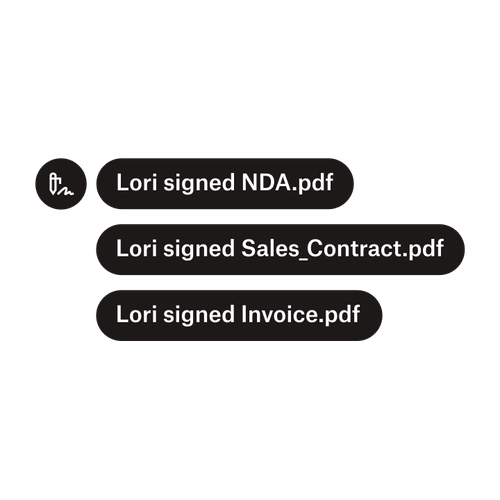
Tiga pemberitahuan menunjukkan bahwa Lori telah menandatangani “NDA.pdf”, “Sale_Contract.pdf”, dan “Invoice.pdf”.

Kirim dokumen ke banyak penanda tangan

Membuat alur kerja persetujuan dengan banyak penanda tangan lebih mudah dari yang Anda kira. Anda hanya perlu alat yang tepat.
Baca artikel
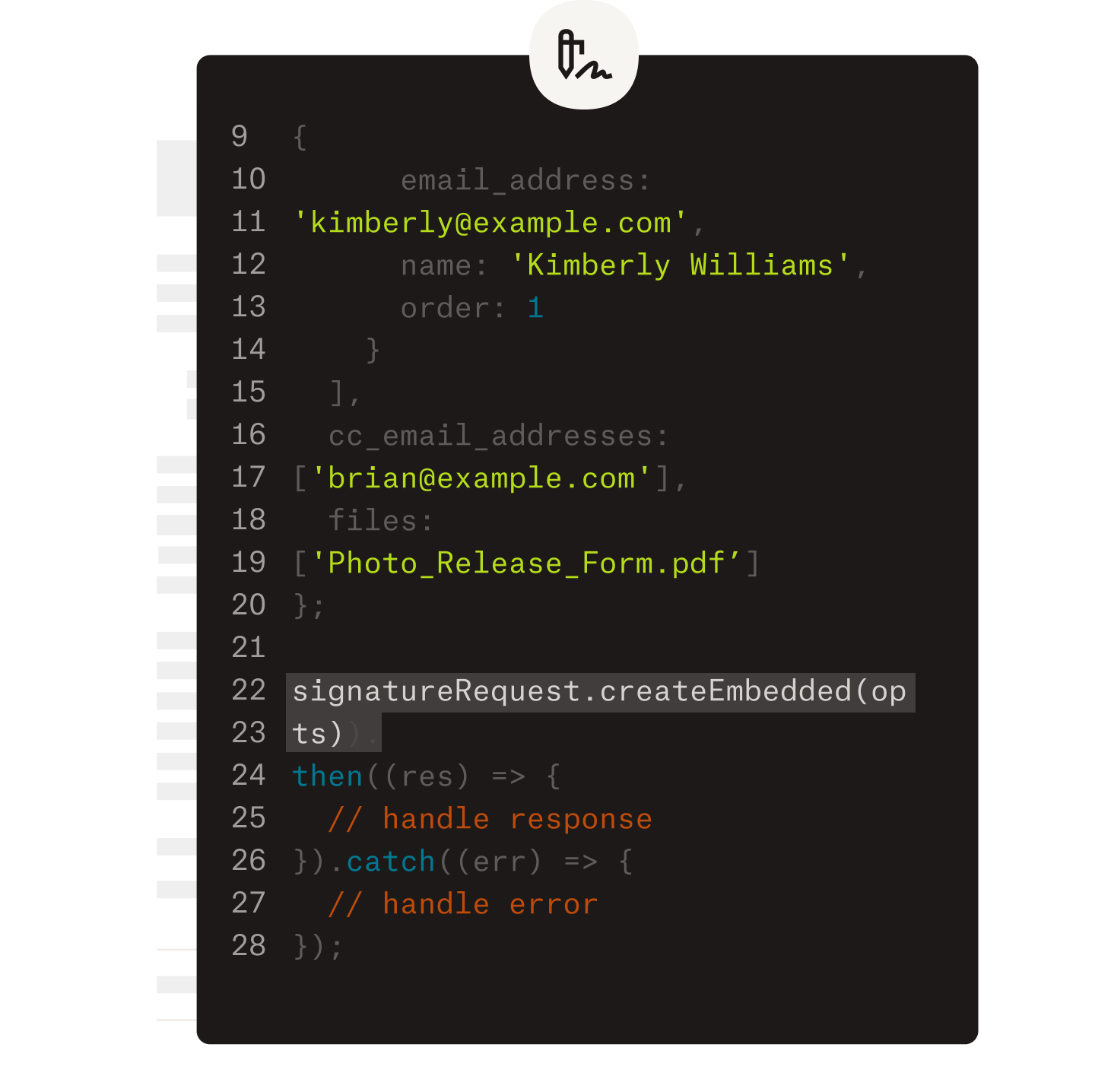
Contoh beberapa kode yang sedang dikerjakan sebagai bagian penerapan Dropbox Sign API.

Sederhanakan alur kerja dengan API tanda tangan elektronik kami yang mudah digunakan

Temukan bagaimana Dropbox Sign API berintegrasi dengan mulus ke dalam aplikasi atau situs web Anda.

Ketahui lebih lanjut

Speed up onboarding and free up valuable time with Dropbox Sign

Mulai uji coba gratis

Dropbox Sign memungkinkan Anda untuk membuat tanda tangan elektronik di dokumen Word, secara gratis. Cari tahu betapa mudahnya menandatangani dokumen Word secara elektronik di sini.

Lebih Cepat, Lebih Cerdas, Lebih Aman: Cara Dropbox Sign Meningkatan Kecepatan Bisnis pada 2025

Onboarding kohort dengan Dropbox Sign API

Produk
Dropbox SignAPI Dropbox SignDropbox FaxPerpaduan
Mengapa Dropbox Sign
Tanda tangan elektronikTandatangani dokumenMenandatangani dan Mengisi PDFKontrak onlineBuat tanda tangan elektronikEditor tanda tanganTandatangani Dokumen Word
Dukungan
Pusat bantuanHubungi penjualanHubungi dukunganKelola cookieMemulai: Dropbox SignMemulai: API Dropbox Sign
Sumber daya
BlogKisah pelangganPusat sumber dayaPanduan legalitasPusat kepercayaan
Mitra
Mitra StrategisLokasi mitra
Perusahaan
KarierKetentuanPrivasi
ikon facebookikon youtube

Metode pembayaran yang diterima

Logo MastercardLogo VisaLogo American ExpressLogo Discover
Lambang Kepatuhan CPALencana kepatuhan HIPAALencana Sky High Enterprise ReadyLencana Sertifikasi ISO 9001

Tanda tangan elektronik Dropbox Sign mengikat secara hukum di Amerika Serikat, Uni Eropa, Inggris, dan di banyak negara lain di dunia.
Untuk informasi lebih lanjut, silakan lihat Syarat dan Ketentuan serta Kebijakan Privasi kami