Doorgaan naar hoofdtekst
Geen items gevonden.
logo dropboxsign
Waarom Dropbox Sign?
Accordeon uit- of samenvouwen

Wat je kunt doen

Documenten online ondertekenen
Elektronische handtekeningen aanmaken
Sjablonen kiezen of maken
Pdf's invullen en ondertekenen
Online contracten sluiten
Documentbeheer
Functies ontdekken
pictogram pijl naar rechts

Gebruikersscenario's

Verkoop- en bedrijfsontwikkeling
Human resources
Startups
Financiële technologie
Vastgoed
On-demandservices
Producten
Accordeon uit- of samenvouwen
dropbox-pictogram
Sign
Maak het gemakkelijk om te verzenden en te ondertekenen
dropbox-pictogram
Sign API
Integreer e-handtekeningen in je workflow
pictogram dropbox fax
Fax
Verzend faxen zonder een faxapparaat
pictogram dropbox integraties
Integraties
We ontmoeten je waar je werkt
Informatiebronnen
Accordeon uit- of samenvouwen
Blog
Workflow-expertise en productnieuws
Verhalen van klanten
Echte verhalen met echte resultaten
Helpcentrum
Diepgaande begeleiding voor onze producten
Bibliotheek met informatiebronnen
Rapporten, video's en infobladen
Ontwikkelaars
Prijzen
Accordeon uit- of samenvouwen
Dropbox Sign-prijzen
Het juiste abonnement vinden voor jou
Dropbox Sign-API-prijzen
Echte verhalen met echte resultaten
Contact met Sales
Registreren
Contact opnemen met Sales
Aanmelden
Accordeon uit- of samenvouwen
Dropbox Sign
Dropbox-formulieren
Dropbox Fax
Gratis proefperiode
logo dropboxsignpictogram toevoegenMicrosoft OneDrive-logo
Integraties
Microsoft OneDrive

Request electronic signatures for OneDrive documents and sign them, fast

Say goodbye to switching between apps to get a document signed. Our pre-built OneDrive eSignature solution makes it easy to request electronic signatures for any document stored in your OneDrive account—all without leaving OneDrive.

Installeer de add-on vandaag nog
An illustration of white clouds with signed documents sitting on each of them.
Access OneDrive documents in Dropbox Sign

Sign in to your Dropbox Sign account to quickly access documents and prepare them for eSignatures in OneDrive.

Access OneDrive documents in Dropbox Sign

Sign in to your Dropbox Sign account to quickly access documents and prepare them for eSignatures in OneDrive.

Handtekeningen aanvragen vanuit je OneDrive-documenten

Save yourself the hassle of switching screens. Instead, initiate electronic signature requests directly from your OneDrive account.

Handtekeningen aanvragen vanuit je OneDrive-documenten

Save yourself the hassle of switching screens. Instead, initiate electronic signature requests directly from your OneDrive account.

Store signed documents in your OneDrive account

Store copies of your completed, signed documents in your OneDrive account for easy access.
Store signed documents in your OneDrive account

Store copies of your completed, signed documents in your OneDrive account for easy access.

How to sign a document in Microsoft OneDrive

Activate the Dropbox Sign OneDrive integration

In your Dropbox Sign account, select Settings from the drop down when you hover over your email address in the upper right corner.

Choose the Integrations tab, find OneDrive and select the Activate button. You will be asked to allow access to complete the integration.

An illustration of two different people's hands, each holding puzzle pieces, and successfully connecting them together.

Sync your Dropbox Sign account with OneDrive

Click the OneDrive icon the next time you upload a document to be signed.

Once you are synced, you can click on the OneDrive icon whenever you need to pull a file from your OneDrive account for eSignature.

Image showing OneDrive being able to be used with Dropbox Sign (formerly known as HelloSign).

Track progress and safely store signed documents

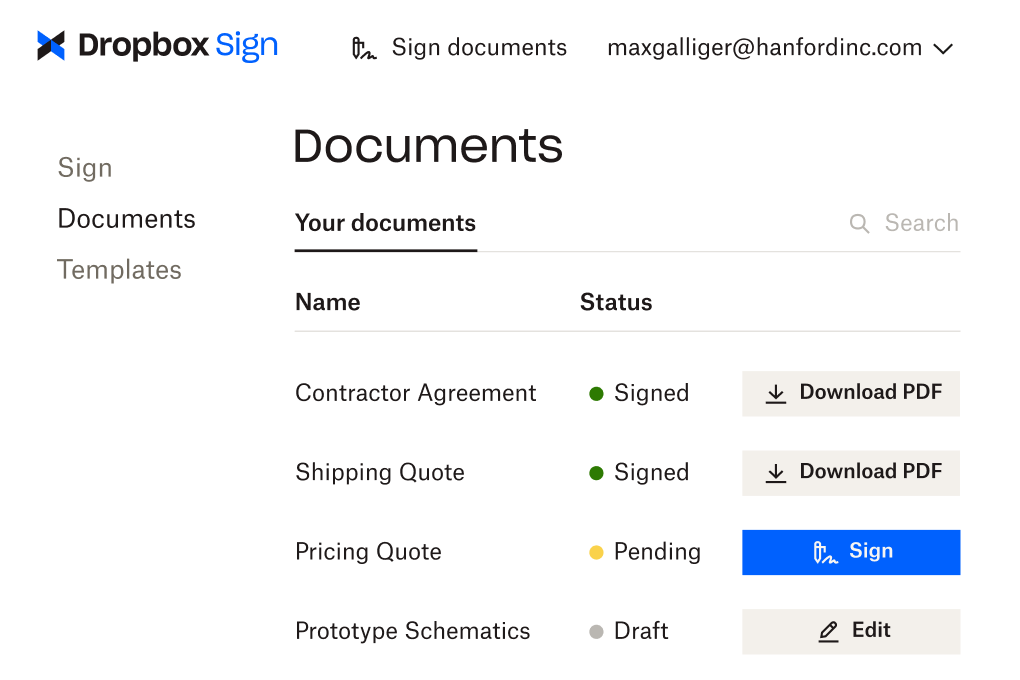
Forget manual chaser emails asking signers if they’ve actioned signature requests. Dropbox Sign allows you to monitor the progress of each electronic signature request for OneDrive documents, so you always know their status.

To make sure your work doesn’t get disrupted chasing people up, you can even set automated reminders.

De gebruikersinterface voor Dropbox Sign, waarbij het gedeelte 'Documenten' wordt weergegeven. Verschillende documenten worden op naam weergegeven, met naast elk document de status 'Ondertekend', 'In behandeling' of 'Concept'. Er is een optie om de PDF van elk ondertekend document te downloaden, een document 'In behandeling' te ondertekenen en een 'Concept' te bewerken.

Geen items gevonden.

Oplossingen voor meetbare resultaten

Geen items gevonden.
pictogram afspelen

Microsoft OneDrive Logo
"We're particularly excited about our partnership with Dropbox Sign because we both believe in the importance of a simple, yet powerful user experience."
Casestudy bekijken
Meghan Keaney Anderson
Product Marketing Director bij HubSpot
Drie mensen staan gebogen over een schema op een kantoortafel, discussiërend
logo cosi
"De hoeveelheid tijd die ons bedrijf dankzij Dropbox Sign heeft bespaard, is aanzienlijk. We hoeven niet meer honderden uren extra aan papierwerk en bestandsbeheer te besteden, dus we kunnen sneller aan de slag met het creatieve werk."
Matt Seigel,
voorzitter, Collier.Simon

Veelgestelde vragen

Bekijk onze veelgestelde vragen

Does OneDrive have digital signature functionality built in?

Accordeon uit- of samenvouwen

No, not strictly speaking. Users are able to sign documents electronically in OneDrive through the “Signature and Markup” feature, or using the “Pen”.

However, these do not provide the same security or functionality of a dedicated eSignature solution such as Dropbox Sign.

For example, Dropbox Sign creates a workflow and audit trail to record who and when a document was signed electronically. It also allows you to request others sign documents, with a legally binding signature.

What happens when I activate the Dropbox Sign for OneDrive integration?

Accordeon uit- of samenvouwen

When you sync Dropbox Sign to OneDrive, a Dropbox Sign folder will be added to your OneDrive account.

Copies of all the documents you have sent and received will be stored in this folder, within relevant subfolders. There’s no need to go back to sign.dropbox.com to access them again.

You can find out more about this set up in our Help Center.

Can you add a signature to PDFs in OneDrive?
Accordeon uit- of samenvouwen

Yes. Any document stored in OneDrive can be electronically signed using the Dropbox Sign for OneDrive eSignature integration.

You can also request signatures for PDFs stored in your OneDrive account.

Informatiebronnen

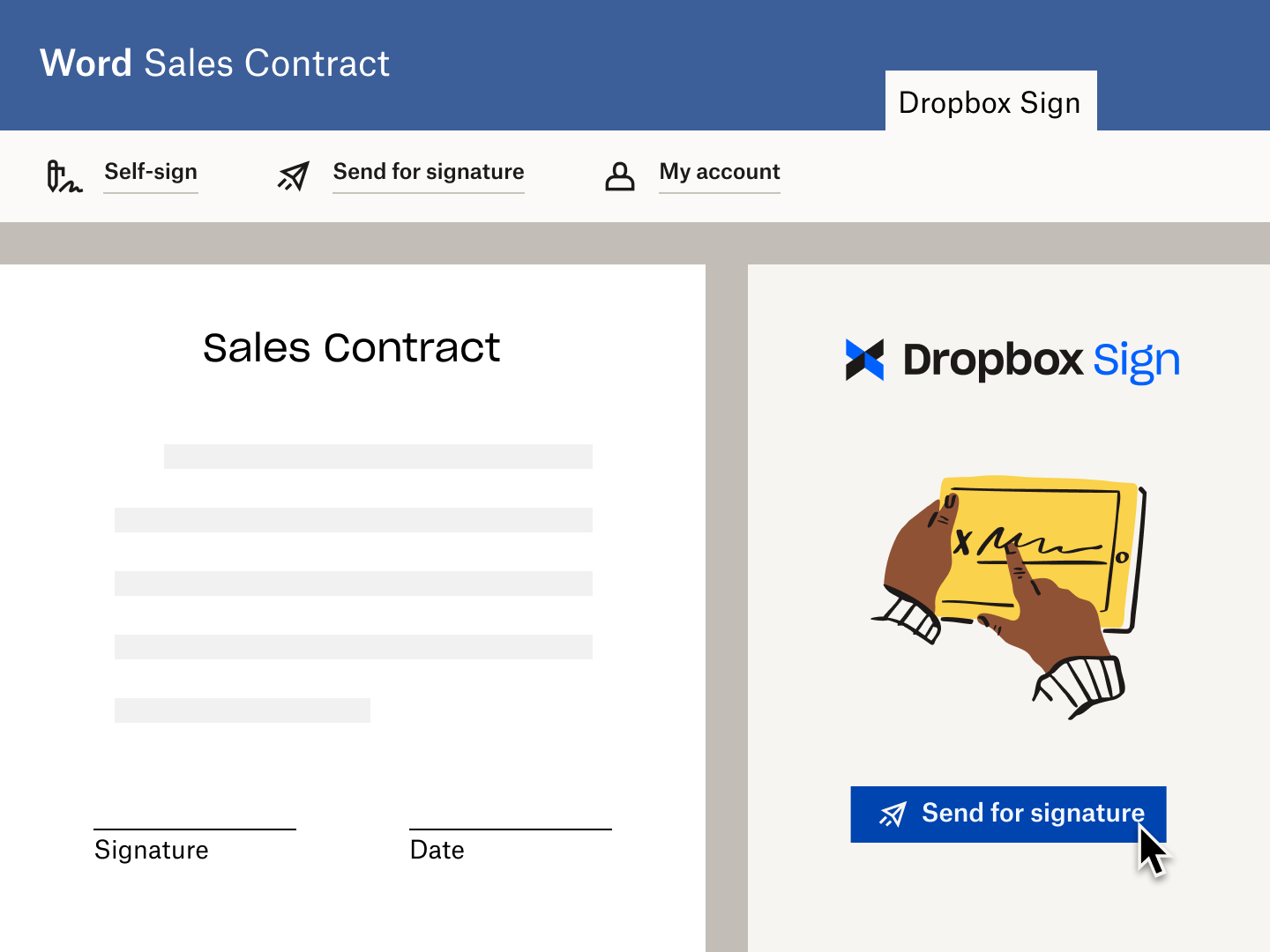
An illustration of the UI within a Microsoft Word doc, with the Dropbox Sign (formerly HelloSign) Add-on displayed as part of the Microsoft Ribbon. A cursor hovers over the option to “Send for signature”.

Get Microsoft Word documents signed, fast

Dropbox Sign for Word helps you sign and send eSignature requests, directly from Microsoft Word.
Meer informatie
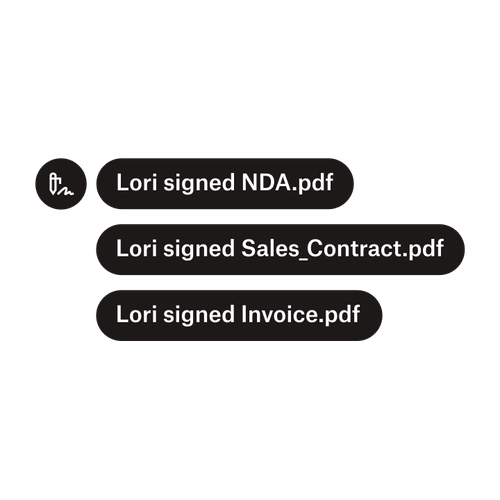
Drie meldingen geven aan dat Lori 'NDA.pdf', 'Verkoopcontract.pdf', en 'Factuur.pdf' heeft ondertekend.

Documenten naar meerdere ondertekenaars verzenden

Het creëren van goedkeuringsworkflows met meerdere ondertekenaars is eenvoudiger dan je zou denken. Je hebt alleen het juiste gereedschap nodig.
Artikel lezen
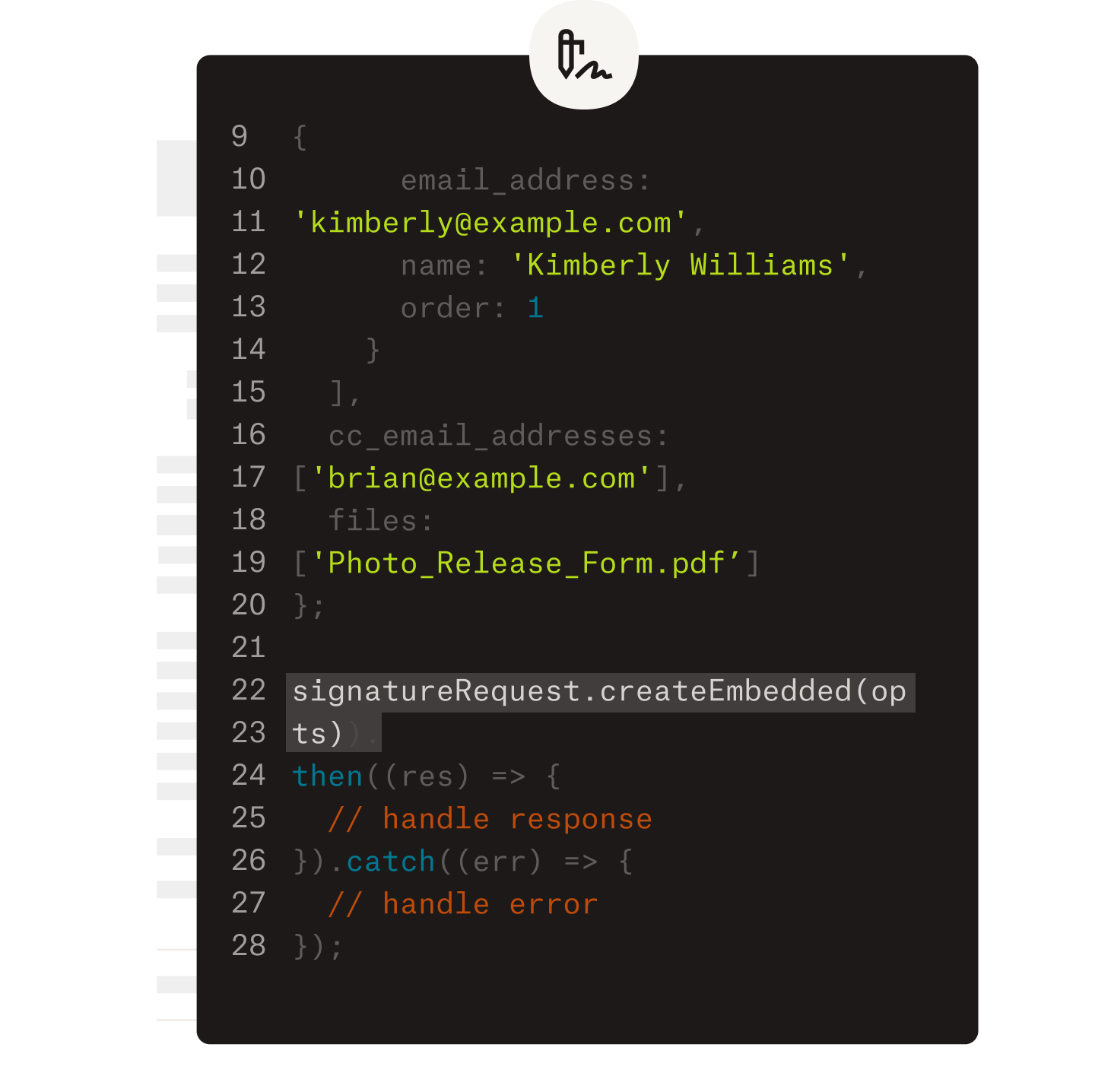
Een voorbeeld van code waaraan wordt gewerkt als onderdeel van de implementatie van de Dropbox Sign API.

Vereenvoudig workflows met onze eenvoudig te gebruiken e-handtekening-API

Ontdek hoe de Dropbox Sign API naadloos integreert in je applicatie of website.

Meer informatie

The formula’s simple: Sign + OneDrive = Productivity

Je gratis proefperiode starten

Met een e-handtekening (elektronische handtekening) kunnen mensen documenten online ondertekenen. Ontdek hoe Dropbox Sign hierbij kan helpen.

Sneller, slimmer, veiliger: hoe Dropbox Sign business in 2025 versnelt

Cohort onboarding met Dropbox Sign API

Producten
Dropbox SignDropbox Sign-APIDropbox FaxIntegraties
Waarom Dropbox Sign?
Elektronische handtekeningenDocumenten ondertekenenPdf's ondertekenen en invullenOnline contractenElektronische handtekeningen aanmakenHandtekeningeditorWord-documenten ondertekenen
Support
HelpcentrumContact met SalesContact met support opnemenCookies beherenAan de slag: Dropbox SignAan de slag: Dropbox Sign-API
Informatiebronnen
BlogVerhalen van klantenInformatiecentrumInformatie over wettigheidTrust Center
Partners
Strategische partnersPartner zoeken
Bedrijf
VacaturesVoorwaardenPrivacy
facebook-pictogramyoutube-pictogram

Geaccepteerde betaalmethoden

Mastercard-logoVisa-logoAmerican Express-logoOntdek-logo
Badge Naleving CPABadge HIPAA-nalevingSky High Enterprise Ready-badgeISO 9001-gecertificeerde badge

Elektronische handtekeningen van Dropbox Sign zijn juridisch bindend in de Verenigde Staten, de Europese Unie, het Verenigd Koninkrijk en in veel landen over heel de wereld.
Voor meer informatie kun je onze Algemene voorwaarden en ons Privacybeleid raadplegen