


더욱 간편한 전자 서명을 위한 DocuSign의 대안
전송에서 서명까지 계약 진행 상황을 파악하세요. 많은 기업이 간편한 사용 방법, 빠른 설정, 투명한 요금을 이유로 Dropbox Sign을 선택합니다.*
*출처: G2, 2026년

복잡하지 않은 기능
광범위한 플랫폼의 간접비는 제외하고 팀에 필요한 기능을 제공하세요.
장시간이 소요되는 구축 과정 없음
설정 및 관리 작업 부담을 줄여 모든 사용자가 신속하게 업무를 시작할 수 있습니다.
회사의 성장에 맞춰 예측 가능한 요금
팀의 업무 방식에 맞게 비용을 조정하세요. 예산 한도나 숨겨진 초과 사용 비용이 없습니다.
Dropbox Sign과 Docusign 비교: 차이점
팀이 사용하는 전자 서명 기능과 Dropbox Sign을 비교해 보세요.
Dropbox Sign
DocuSign


상위 등급 요금제 필요
사용할 수 없음
요금제에 따라 다름
한도 및 추가 요금이 부과될 수 있음
Costs you can plan for
Find flexible per-sender and per-request pricing options based on your senders, volume, and workflow. No envelope caps or hidden overage fees, so you can scale your eSignature usage with confidence.
Dropbox Sign과 Docusign 비교: 모든 단계를 간소화
Sign이 계약 절차 전반에 걸쳐 앱 전환, 구현 작업 및 마찰을 줄이는 데 어떻게 도움이 되는지 알아보세요.
재사용 가능한 템플릿, 드래그 앤 드롭 서명인 필드, 미리 작성된 정보를 사용하여 반복 작업을 줄이세요. Docusign에서 이전하시나요? 마이그레이션 도구를 사용하여 조건부 로직 및 병합 필드를 포함한 템플릿을 전송하여 위험을 줄이면서 전환하세요.
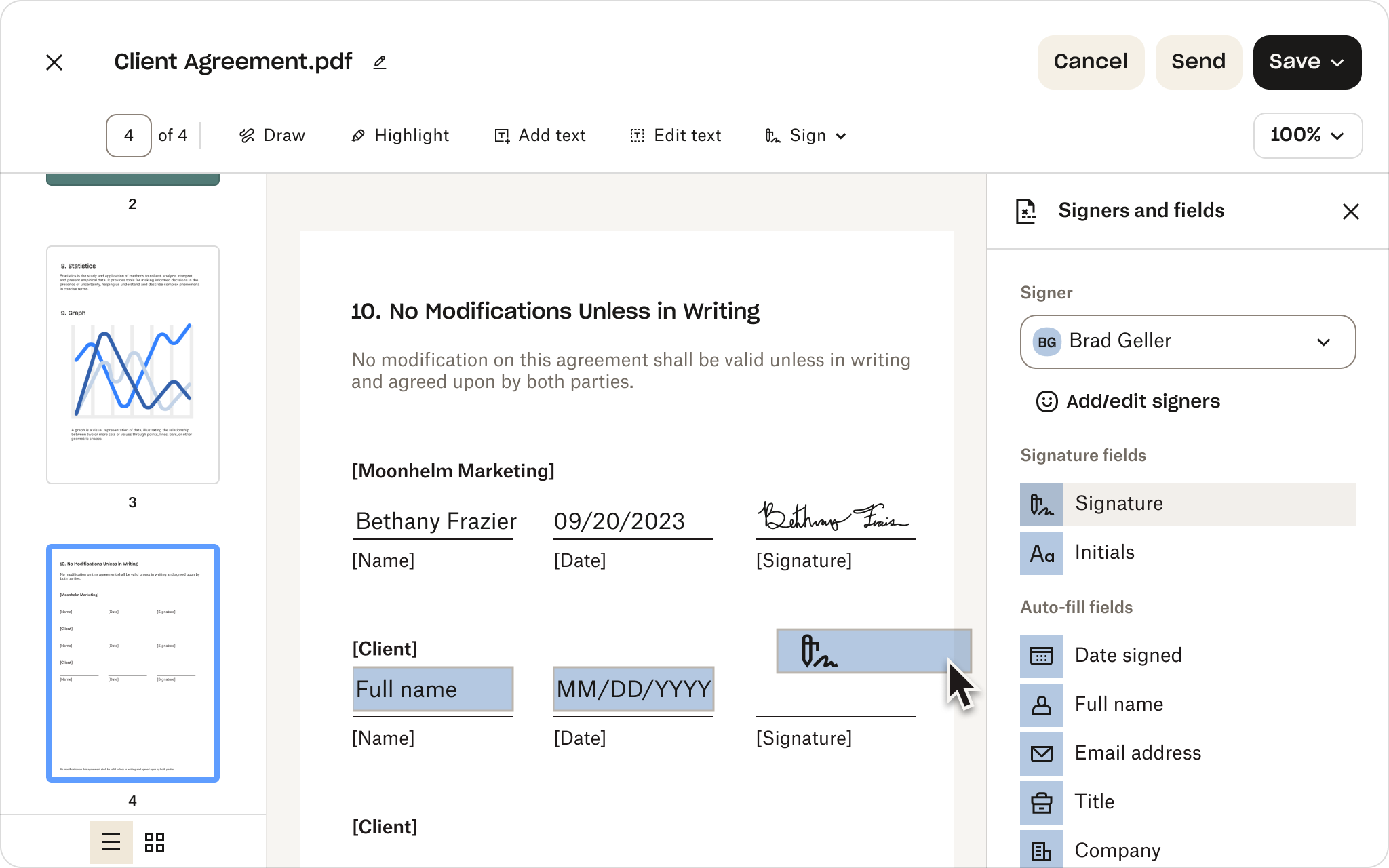
대량 전송을 사용하여 수신인 목록이 많은 경우 한 번에 개별적인 서명 요청을 생성하세요. 그런 다음, 자동 알림을 통해 다음 단계를 계획대로 진행하세요. Sign은 불필요한 구성이나 관리 복잡성 없이 다양한 라우팅 요구 사항을 지원합니다.
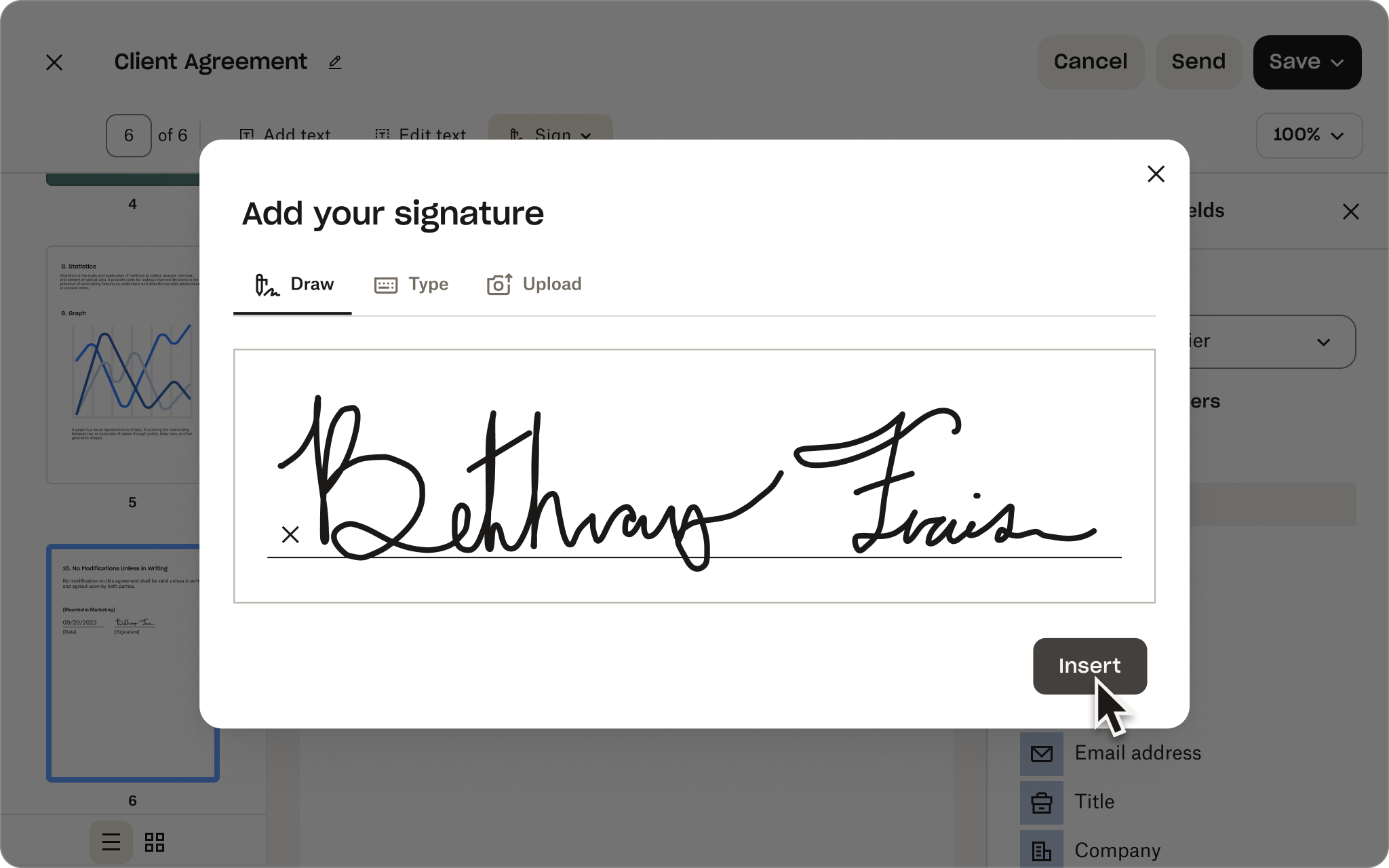
아직도 업데이트를 찾고 계신가요? 성과 대시보드를 사용하면 팀이 요청의 진행 상황을 명확하게 파악할 수 있으므로 지연을 조기에 포착하고, 후속 조치의 우선순위를 정하고, 계약이 서명 단계로 원활하게 진행되도록 할 수 있습니다.
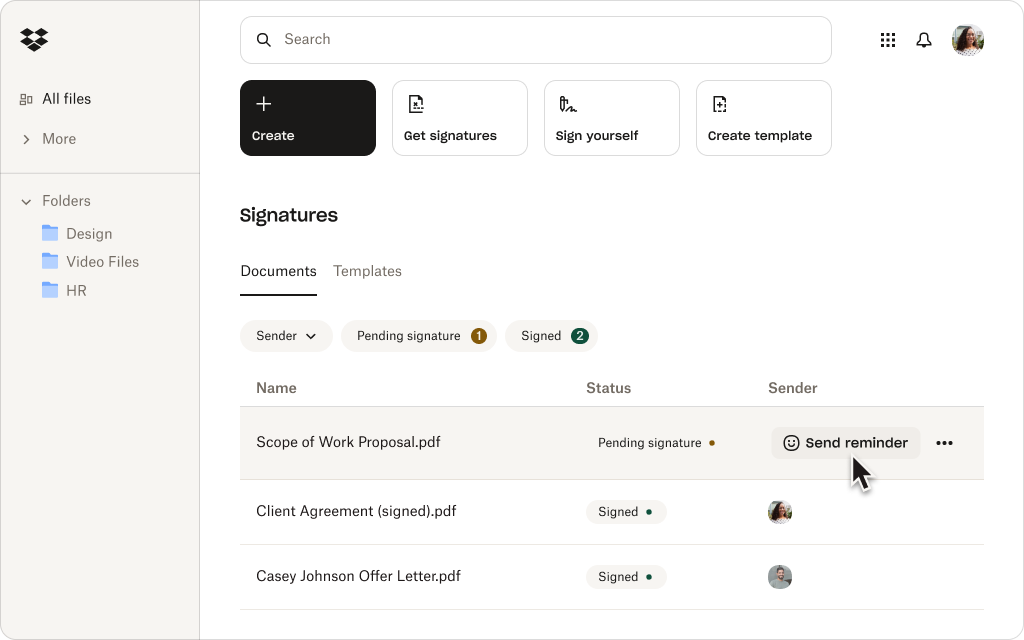
고객과 협력업체부터 신규 직원까지, 이동 중에도 서명할 수 있는 더 많은 유연성을 제공하세요. 수신인은 휴대폰이나 태블릿에서 서명 요청을 열고, 검토하고, 완료할 수 있으므로 자리를 비우더라도 업무가 지연되지 않습니다.

Sign을 지원되는 CRM, HR, 생산성, 협업 앱에 연결하세요. Dropbox를 사용하는 팀은 서명이 필요한 파일을 준비하고 전송한 후, 서명된 사본을 원본과 함께 자동으로 저장할 수도 있습니다.

암호화, 서명인 인증, 시간이 표시된 감사 내역 등 엔터프라이즈급 보안 기능으로 안심하고 업무를 처리하세요. Sign은 SOC 2 Type II를 준수하며 HIPAA, GDPR, eIDAS를 지원합니다.
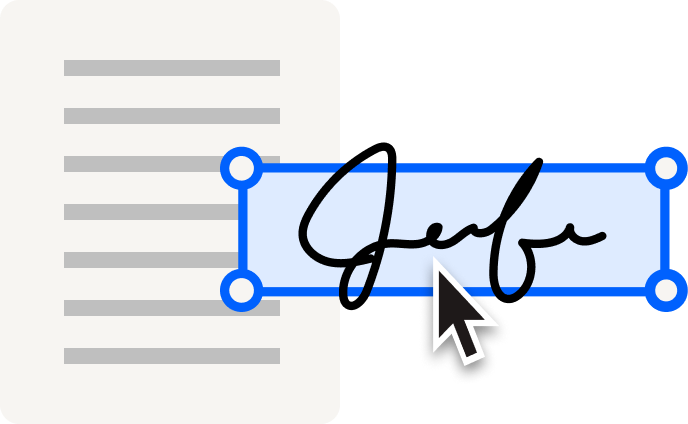
DocuSign보다 고객 평점이 우수한 Dropbox Sign
많은 기업이 더 간편한 설정, 더 빠른 도입, 더 나은 지원, 투명한 요금을 이유로 Sign으로 전환했습니다.*
*출처: G2, 2026년


"Dropbox Sign(구 HelloSign)은 사용하기 쉽다는 점이 마음에 듭니다. Dropbox 계정으로 무료로 사용할 수 있다는 점도 큰 장점입니다. Mac에서 PDF 파일을 마우스 오른쪽 버튼으로 클릭하고 '서명'을 선택한 다음 저장된 서명 이미지를 문서 위에 쉽게 추가할 수 있어 정말 편리합니다."


"회사와 클라이언트 간의 마찰을 최소화하고 계약서 서명 프로세스를 가속화합니다. 계약서를 업로드하고 신속하게 처리할 수 있어 좋습니다. 서명을 저장하고 계약서에 입력할 수 있는 기능이 정말 유용해서 인쇄, 서명, 재업로드에 드는 시간을 절약할 수 있습니다."

"이 플랫폼은 더 빠르고, 더 간단하고, 더 편리하며, 기술에 정통하지 않아도 사용할 수 있습니다. 특히 이니셜과 텍스트를 위한 드래그 앤 드롭 기능 등 사용이 간편하다는 점이 정말 마음에 듭니다. 모든 것이 매우 효율적이었습니다. 누가 먼저 서명할지 순서를 정하고 미리 정해진 순서대로 서명 요청을 보낼 수 있다는 점이 좋습니다."
전자 서명 통합을 구축할 준비가 되셨나요?
Dropbox Sign API를 사용하면 통합 서명 경험을 간편하게 만들고, 실행하고, 유지 관리할 수 있으며, 변화하는 요구에 맞춰 유연하게 대응할 수 있습니다.


계약서 작성 워크플로를 Dropbox로 가져오기
Dropbox용 Docusign 플러그인이나 Docusign Dropbox 통합을 왜 찾아야 할까요? Sign을 사용하면 Dropbox 고객은 Docusign과 Dropbox를 별도의 도구로 관리하는 대신 작업 공간에서 문서를 준비하고 서명을 요청할 수 있습니다.


Dropbox Sign 및 Docusign 관련 자주 묻는 질문(FAQ)
Dropbox Sign은 무료인가요?

서명자에게 Dropbox Sign 계정이 있어야 하나요?
Dropbox Sign은 HelloSign과 동일한가요?
Dropbox Sign이 Docusign의 강력한 대안이 되는 이유는 무엇인가요?
Dropbox Sign을 Dropbox와 함께 바로 사용할 수 있나요?
Go from sent to signed faster
*출처: G2, 2026년
Dropbox Sign API로 시간과 비용을 절약하는 방법을 살펴보세요. Dropbox Sign팀이 비즈니스의 요구 사항을 충족하는 솔루션을 맞춤 구축하고, 전담 구현 서비스와 지원 서비스를 통해 전환 작업이 최대한 원활하게 진행될 수 있도록 도와드립니다.
감사합니다!
곧 연락드리겠습니다.