直接跳至主要內容
dropbox sign 標誌
聯絡銷售人員
註冊
聯絡銷售人員
開始免費試用 30 天
找不到項目。
dropbox sign 標誌
比較 Dropbox Sign 與 DocuSign

The Docusign alternative for simpler eSignatures

Keep agreements on track from sent to signed. Businesses choose Dropbox Sign for its ease of use, quick setup, and transparent pricing.*

*Source: G2, 2026

開始 30 天免費試用
需要示範教學嗎? 聯絡銷售人員
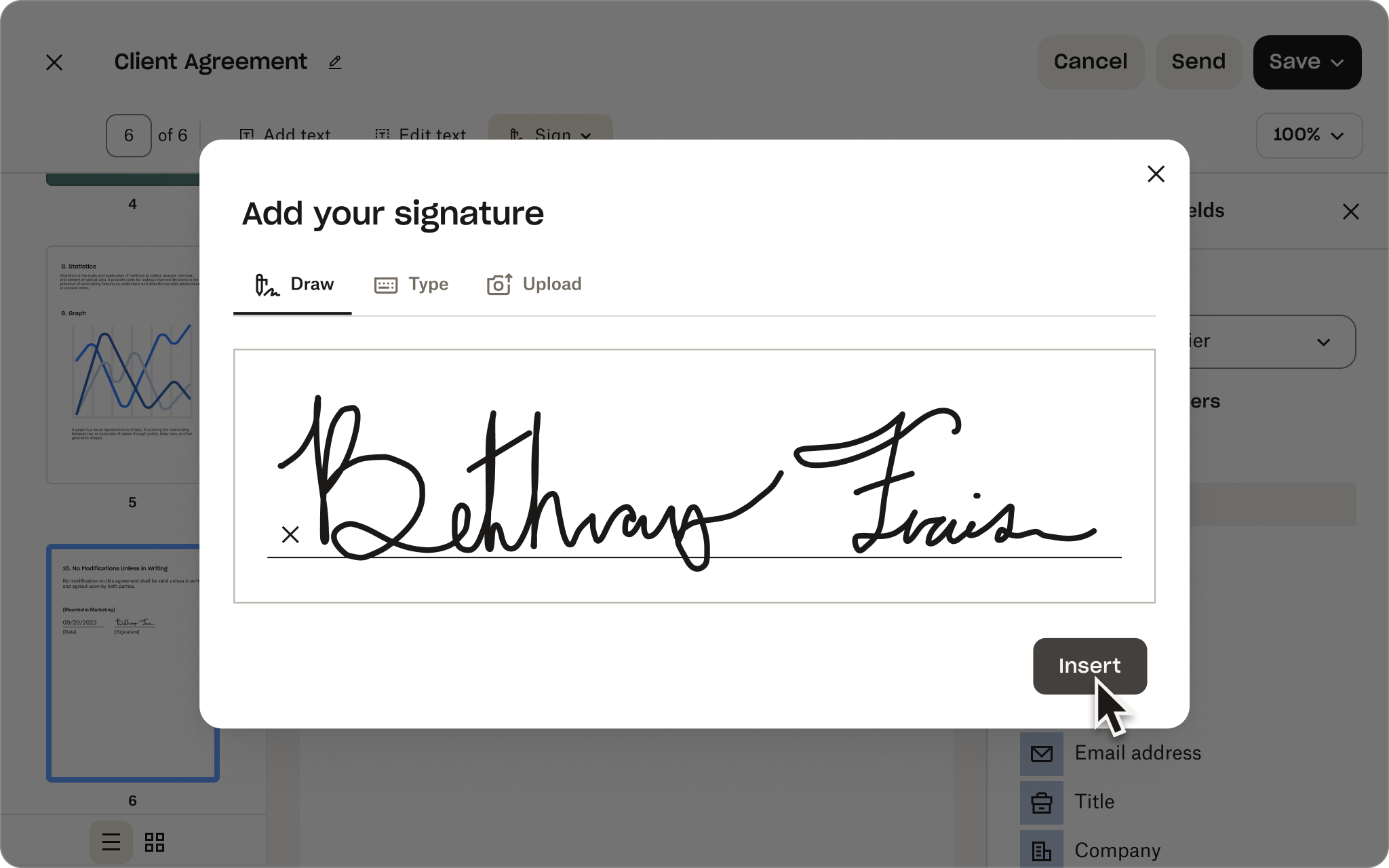
Dropbox Sign 簽名輸入畫面,其中有手寫簽名和 G2 2026 年夏季 Leader 協作圖示
比較 Dropbox Sign API 與 DocuSign API

無須花費數月時間,只要幾個小時即可實施的 DocuSign API 替代方案

與支援專家安排會談

瞭解如何自訂 Dropbox Sign API 以滿足您的業務需求。我們的工作團隊可以協助您設計出解決方案,透過專屬的執行方案和支援服務,幫助您自動化文件簽署的工作流程。

謝謝您!
我們會盡快聯絡

比較 Dropbox Sign 與 DocuSign

The Docusign alternative for simpler eSignatures

Keep agreements on track from sent to signed. Businesses choose Dropbox Sign for its ease of use, quick setup, and transparent pricing.*

申請示範教學
Dropbox Sign 簽名輸入畫面,其中有手寫簽名和 G2 2026 年夏季 Leader 協作圖示

Capabilities without complexity

Give your team the features they need, not the overhead of a broader platform.

No lengthy implementation

Get everyone up and running quickly with less configuration and admin work.

Predictable pricing as you grow

Keep costs aligned with how your team works. No envelope caps or hidden overage fees.

「我在比較 DocuSign 與 Dropbox Sign 時,發現 Dropbox 客服回覆速度較快、展現出更深厚的技術知識,而且能讓我依需要向工程師追蹤後續情況。DocuSign 的回覆則十分含糊,根本沒回答到我的問題。」
「選擇 Dropbox Sign 是因為我們的客戶仰賴信實可靠的權威性企業,來提供市面最頂尖的資安防護、詳細的不可竄改稽核與驗證紀錄,以及電子簽章流程透明度。」
Christian Block
Midas League 軟體工程師
Rebecca Kacaba
DealMaker 執行長暨共同創辦人
01 /02
向右指的箭頭
「我們選擇 Dropbox Sign 的主要理由,是因為這個服務能為我們的客戶提供高水準又直觀易用的整合式功能,而且我們整合起來也簡單輕鬆。大約半天左右,我們就能實現概念驗證,且可以確實從我們的應用程式傳送電子簽章。」
Matt Peebles
Crelate 資深軟體工程師
向右指的箭頭
02/02

Dropbox Sign vs Docusign: how they stack up

See how Sign compares across the eSignature features teams rely on.

Dropbox Sign

DocuSign

主要功能
DBX v DocuSign: Legally binding eSignatures 向右箭頭圖示
可用功能
可用功能
Legally binding digital signatures 向右箭頭圖示
可用功能
可用功能
DBX v DocuSign: Audit trail 向右箭頭圖示
可用功能
可用功能
可反覆使用的範本 向右箭頭圖示
可用功能
可用功能
DBX v DocuSign: API 向右箭頭圖示
可用功能
可用功能
大量傳送 向右箭頭圖示
可用功能
可用功能
DBX v DocuSign: Unlimited signatures 向右箭頭圖示
可用功能
可用功能
自動化提醒 向右箭頭圖示
可用功能
可用功能
DBX v DocuSign: Premium branding 向右箭頭圖示
可用功能
可用功能
稽核紀錄 向右箭頭圖示
可用功能
可用功能
DBX v DocuSign: Only eSignature solution native to Dropbox 向右箭頭圖示
可用功能
可用功能
企業級的資安防護保障 向右箭頭圖示
可用功能
可用功能
API 向右箭頭圖示
可用功能
可用功能
內嵌簽署 向右箭頭圖示
可用功能
可用功能
自訂商標 向右箭頭圖示
可用功能
可用功能
Pre-built business app integrations 向右箭頭圖示
可用功能
可用功能
Dropbox integration 向右箭頭圖示
可用功能

Higher-tier plan required

Native eSignature experience in Dropbox 向右箭頭圖示
可用功能

不支援

Unlimited signature requests on per-seat plans 向右箭頭圖示
可用功能

Varies by plan

No envelope caps or hidden overage fees 向右箭頭圖示
可用功能

Limits and extra charges may apply

可預測的價格

沒有無預期增加的款項或隱藏的超額費用。您可獲得無限次簽署要求,原有的功能也一應俱全。

Essentials

起始價格
每位使用者 $15 USD/月

年繳 $180 美元

瀏覽方案

Standard

起始價格
每位使用者 $25 USD/月

年繳 $600 美元

瀏覽方案

Dropbox Sign vs Docusign: streamline every step

Learn how Sign helps reduce app switching, implementation effort, and friction throughout the agreement process.

Build a repeatable setup

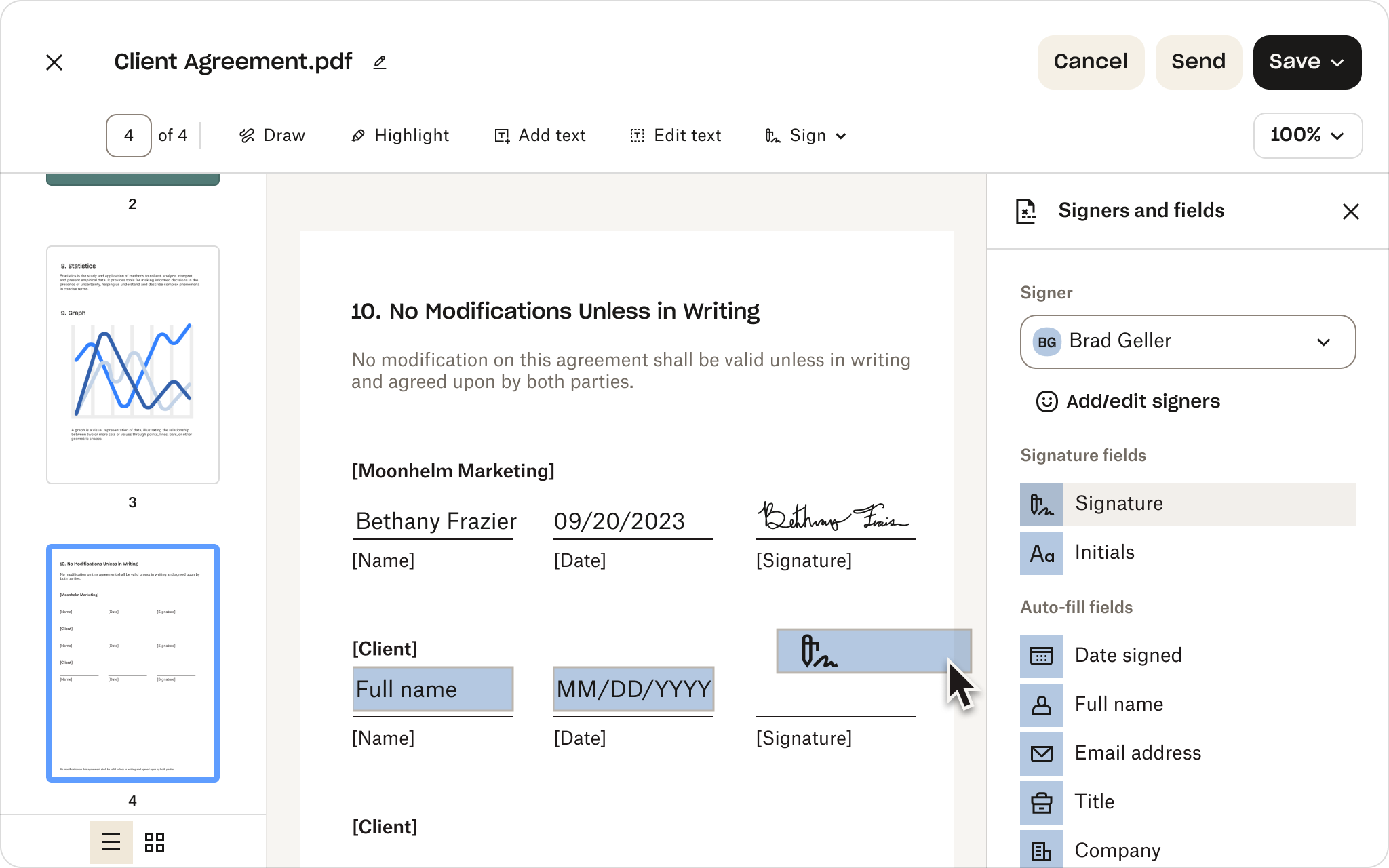
Cut repetitive work with reusable templates, drag-and-drop signer fields, and pre-filled information. Moving from Docusign? Use the migration tool to transfer your templates—including conditional logic and merge fields—for a lower-risk switch.

Explore templates 向右箭頭圖示
Send at scale and automate follow-ups

Use bulk send to create individual signature requests for large recipient lists all at once. Then, keep next steps on track with automated reminders. Sign supports different routing needs without unnecessary configuration or admin complexity.

探索功能 向右箭頭圖示
Track progress with instant visibility

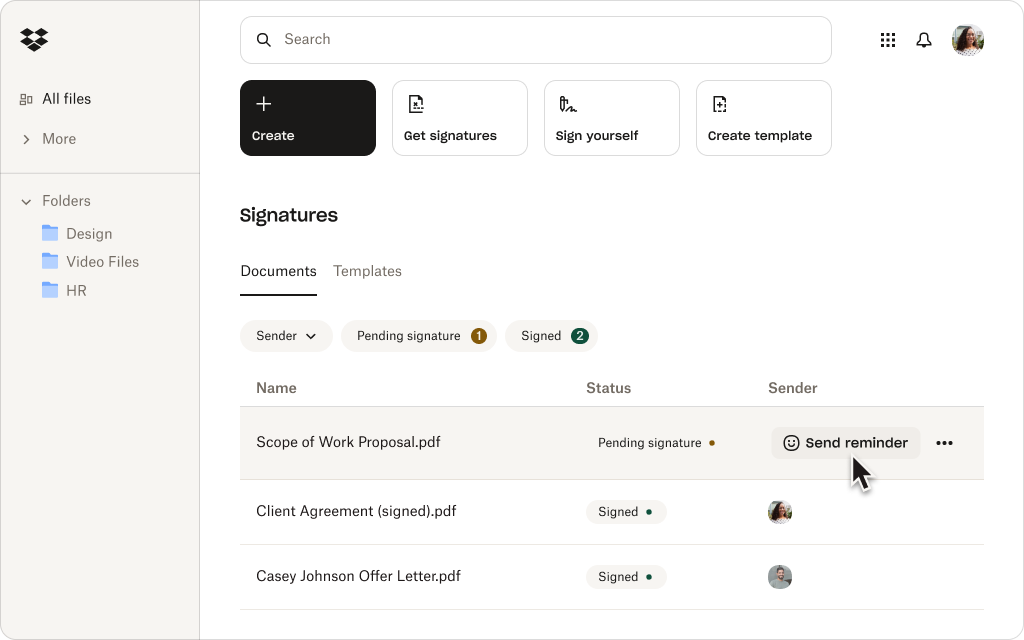
Still chasing updates? Performance dashboards give your team a clear view of where requests stand, so they can catch delays early, prioritize follow-up, and keep agreements moving toward signature.

查看各種方案 向右箭頭圖示
Create a straightforward mobile experience

From customers and vendors to new hires, give people more flexibility to sign on the go. Recipients can open, review, and complete signature requests on a phone or tablet, so being away from their desk doesn’t cause slowdowns.

探索功能 向右箭頭圖示
Fit eSignature into existing workflows

Connect Sign to supported CRM, HR, productivity, and collaboration apps. Teams using Dropbox can also prepare and send files for signature and automatically save signed copies alongside the original.

Explore integrations 向右箭頭圖示
Protect sensitive agreements

Work confidently with enterprise-grade security features, including encryption, signer authentication, and time-stamped audit trails. Sign is SOC 2 Type II compliant and supports HIPAA, GDPR, and eIDAS.

查看各種方案 向右箭頭圖示

客戶給予 Dropbox Sign 的評分勝過 DocuSign

Businesses turn to Sign for easier setup, faster adoption, better support, and transparent pricing.*

*Source: G2, 2026

Explore G2 向右箭頭圖示

“I love the ease of use of Dropbox Sign(formerly HelloSign), and the fact that it's free with my Dropbox account is a big plus. It’s really convenient on my Mac because I can just right-click a PDF file, select‘Sign,’ and easily add my saved signature image on top of the document.”

閱讀完整評論 向右箭頭圖示
Pankaj B
Founder and CEO

“It minimizes the friction between my company and the client, speeding up the contract signing process. I like being able to upload contracts and expedite them quickly. The feature that allows me to save my signature and input it on contracts is really useful, saving me the time of printing, signing, and re-uploading.”

閱讀完整評論 向右箭頭圖示
Mark W
Founder

“The platform is faster, simpler, and more convenient, and you don't have to be tech-savvy to use it. I really appreciate the ease of use, especially the drag-and-drop features for initials and text. Everything about it has been very efficient. I like that we’re able to set queues on who gets to sign first and send signature requests in a predetermined sequence.”

閱讀完整評論 向右箭頭圖示
Shoaib S
People and Culture Officer

01/00

Ready to build your eSignature integration?

Dropbox Sign API makes it easier to create, launch, and maintain integrated signing experiences—with the flexibility to adapt as your needs evolve.

簡化合約工作流程

Dropbox Sign 完全內嵌於 Dropbox,因此能簡化合約工作流程。Dropbox 可以讓您快速簽署、儲存和共享合約,全部在一個平台上就能完成。

受數百萬使用者信賴

「我們用 DocuSign 手動處理電子簽章,但必須離開 Salesforce,到 docusign.com 才能建立範本。Dropbox Sign 可以更輕易整合到我們的技術堆疊,是更合適的選擇。」

檢視案例研究

Everett Lynn, CEO

「我最滿意 Dropbox Sign 的一點,就是功能性與 DocuSign 等電子簽章解決方案同樣強大,不過更加經濟實惠,行動版使用體驗也更棒。」

Bob Negrey, VP of Information Technology

「客戶不用離開我們的網站,也無需註冊 Dropbox Sign,就能使用 Dropbox Sign 簽署保密協議,使用體驗比 Docusign 更好。」

執行長 Martin Cozzi

「Dropbox Sign 與 DocuSign 的不同之處,就是數量不限的合併欄位,讓我們得以掌控和設計內嵌體驗。開發人員在建立範本時可使用簽名、縮寫名、文字框、核取方塊等各種欄位,而且 Dropbox Sign 的預填欄位能將資料帶入發票,並自動與合約同步;我們就是想提供這種完善的服務給顧問和不同規模的公司。」

檢視案例研究

Joe Timmer, Lead Developer

查看所有個案

Dropbox Sign and Docusign FAQs

Dropbox Sign 是免費的嗎?

展開或收起手風琴

Yes. If you’re comparing free Docusign alternatives, Sign offers a limited free plan with three signature requests per month and unlimited self-signing. For higher-volume needs and advanced features, choose from a range of paid plans or start a free trial.

Do signers need a Dropbox Sign account?

展開或收起手風琴

No. They can open, review, and sign a document from the signature-request email without a Sign account. However, to view completed copies later, signers will need to create one.

Is Dropbox Sign the same as HelloSign?

展開或收起手風琴

Yes. Dropbox Sign, formerly HelloSign, is the same eSignature product under the Dropbox brand. That means older comparisons framed as HelloSign vs Docusign or Docusign vs HelloSign now refer to Dropbox Sign vs Docusign.

What makes Dropbox Sign a strong Docusign alternative?

展開或收起手風琴

Sign gives teams the eSignature capabilities they rely on without the complexity of a broader agreement platform. It’s intuitive, designed for fast implementation, and offers transparent, predictable pricing with no envelope caps or hidden overage fees.

Can I use Dropbox Sign directly with Dropbox?

展開或收起手風琴

Yes. If you’re a Dropbox customer, you can prepare documents and request signatures from your workspace and automatically save signed copies beside the original. Sign also connects to supported CRM, HR, productivity, and collaboration applications.

Dropbox Sign 讓文件的回傳時間加快 80%。

開始 30 天免費試用
聯絡銷售人員

*Source: G2, 2026

瞭解如何開始透過 Dropbox Sign API 省時省錢。本公司團隊能根據貴企業需求客製解決方案,並提供專門的實作與支援服務,讓轉換過程順暢無比。

謝謝您!
我們會盡快聯絡。

CPA 法規遵循標章HIPAA 法規遵循標章Sky High Enterprise ready 標章ISO 9001 認證標章

Dropbox Sign 電子簽名在美國、歐盟地區、英國和世界上許多國家均已具備法律約束力。
詳情請參閱我們的條款與條件以及隱私權政策