


外观全新但功能同样出色的产品!HelloSign 现为 Dropbox Sign。

If you are looking for an eSignature solution to integrate with your .NET Core application, the secure, scalable, and highly customizable Dropbox Sign API is a great fit. The structure of the Dropbox Sign response objects integrates easily with the Entity Framework ORM, and getting started is simple and free. The Developer Portal will help you with details on many possible implementations, but your initial .NET set-up can be done in just a few easy steps.
Building with the Dropbox Sign .NET SDK
The first thing you’ll need to do to begin incorporating Dropbox Sign into your .NET application is to visit the Dropbox Sign website to sign up for an account and get an API key. From the Dropbox Sign web app, click on your username in the top right corner. From the responding dropdown menu, click "My Settings." Then, navigate to the "API" tab. Here you can generate an API key.
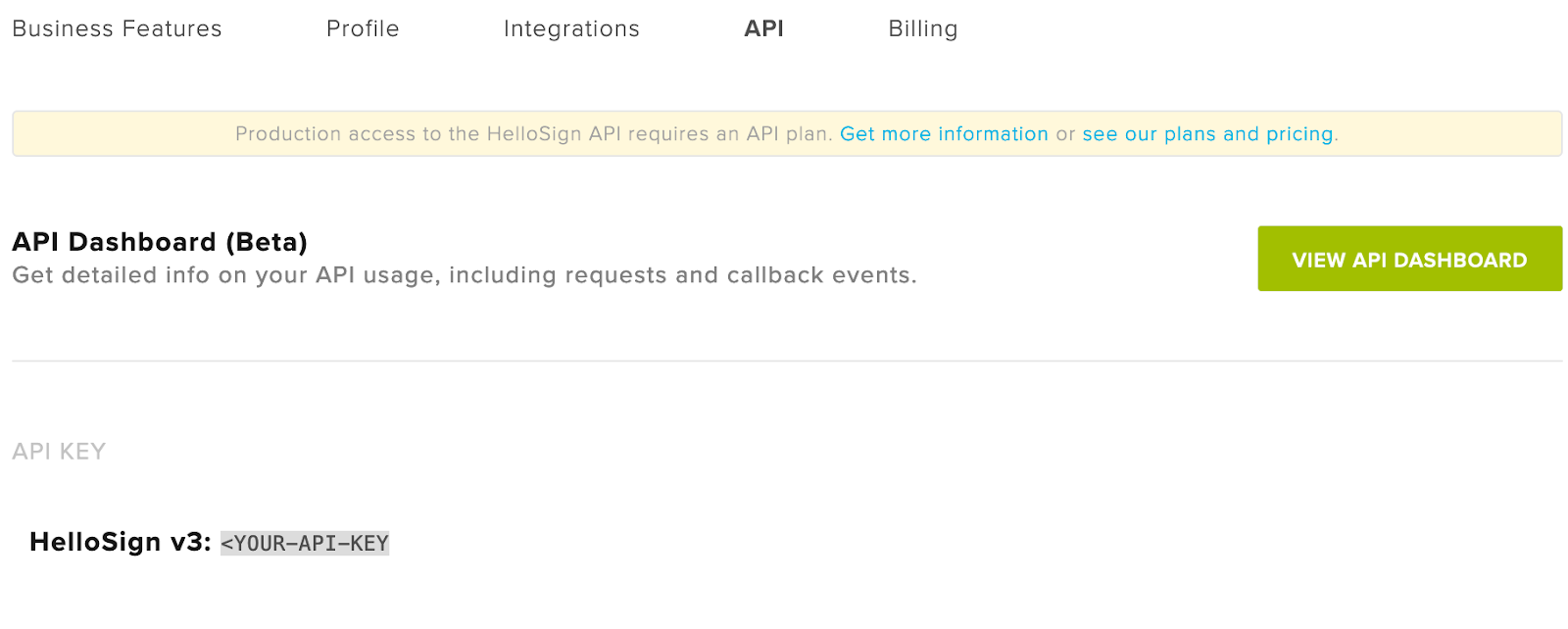
For some use cases like Embedded Signing or Premium Branding you will also need to create a Dropbox Sign API App. To do that click on “Create” in the API Apps section. Give your API App a name and a domain. As long as you are in the testing phases of development, you can ignore the domain verification fields, as those are only required for production applications. Once you have created an application, you will receive a Client ID associated with that specific API App. Use .NET’s System.Environment class to save your API key and Client secret:
While you are developing a new project with the Dropbox Sign API, you can use the test_mode parameter to test out all features of the API at no cost. (Note that signature requests made in test mode are not legally binding, and are marked as such.) The API Reference has detailed documentation of all API endpoints and response data, making it easy to plan your application.
The next step is to install the Dropbox Sign SDK in your application. For .NET applications, it is available as a NuGet package, with in-depth documentation available in the ReadMe.
With your account set up and the package installed, you are ready to get started. To demonstrate the set-up for Dropbox Sign in .NET, we’ll walk through a hypothetical use case.
Imagine you are creating a service to help very early-stage startups get set up with IP contracts, funding agreements, and other legal documents. Depending on the user experience you want to provide, there are multiple ways to use the Dropbox Sign API on your site, but the initial setup is very similar.
Create and Send a Signature Request
When you have a document that needs to be signed, you can initiate the SignatureRequest from your .NET application. Dropbox Sign’s Signature Request Walkthrough provides details on different options for implementation.
If you are working in an MVC application using Entity Framework, you will likely want to create your own SignatureRequest model and include the calls to the Dropbox Sign client in the methods for that Entity or in an `ApiHelper.cs` file in the same namespace. This will make the relationships between ApplicationUsers and SignatureRequests query-able with LINQ and give you a clean way of managing SignatureRequests for a large number of accounts.
If you are working in a lighter-weight .NET implementation, such as `dotnet new webapp`, you can put the Dropbox Sign client code in a file in your `Pages` directory.
In either case, the call to generate a new SignatureRequest is the same.
Using Existing Files in a SignatureRequest
The simplest way to handle SignatureRequests is to allow Dropbox Sign to generate an email to all signers and include your files in that email.
Note that the files parameter is using a path to a single file but can also be used with a URL or include multiple files in the signature request. For URLs, you will use file_url : [array] instead.
Send a SignatureRequest With A Template
For our startup platform, in some cases a better option might actually be to use templates. While many teams will want to draft and revise their own contracts, others will be very happy to have boilerplate contracts. Using templates for standardized forms makes the signing experience faster and more uniform across documents, which, for some users, will be exactly what they want. Read through the Templates Walkthrough for more information.
Creating a template is easy, but you will need to do it on the Dropbox Sign website. After you’ve made a template, you can reference the template with template_id and Send with a Template.
Embedding Your SignatureRequests Directly In Your Application
Eventually, as your application scales and you invest more in branding and UX, you can embed the Dropbox Sign functionality you need directly on your website. With the Dropbox Sign API, you can let users do an assortment of tasks directly in your app, like sign documents with Embedded Signing, request signatures with Embedded Requesting, and create and edit templates with Embedded Templates. You can even Premium Branding the entire signing flow with your own branding to make the experience completely seamless.
For .NET applications, developing embedded flows will require using some JavaScript code. While your backend can still make calls via the Dropbox Sign .NET SDK, the corresponding links are embedded in an iFrame on the front end using the hellosign-embedded library, which is available through NPM or via CDN.
Using the .NET SDK to build with the Dropbox Sign API
For developers building applications with eSignature needs, the Dropbox Sign .NET SDK is a great way to improve efficiency and speed up implementation. Whether you’re building for signature requests or embedded signing, the .NET SDK offers quick, flexible, and scalable access to Dropbox Sign API endpoints using built-in methods.
To learn more about the Dropbox Sign API and start testing for free, visit Dropbox Sign’s Developer Portal
保持更新
Thank you!
Thank you for subscribing!


