


The Adobe Sign alternative made for simpler signing
Keep agreements moving forward with an intuitive eSignature solution. Businesses choose Dropbox Sign for its easy setup, streamlined workflows, and quality support.*
*出典:G2、2026年
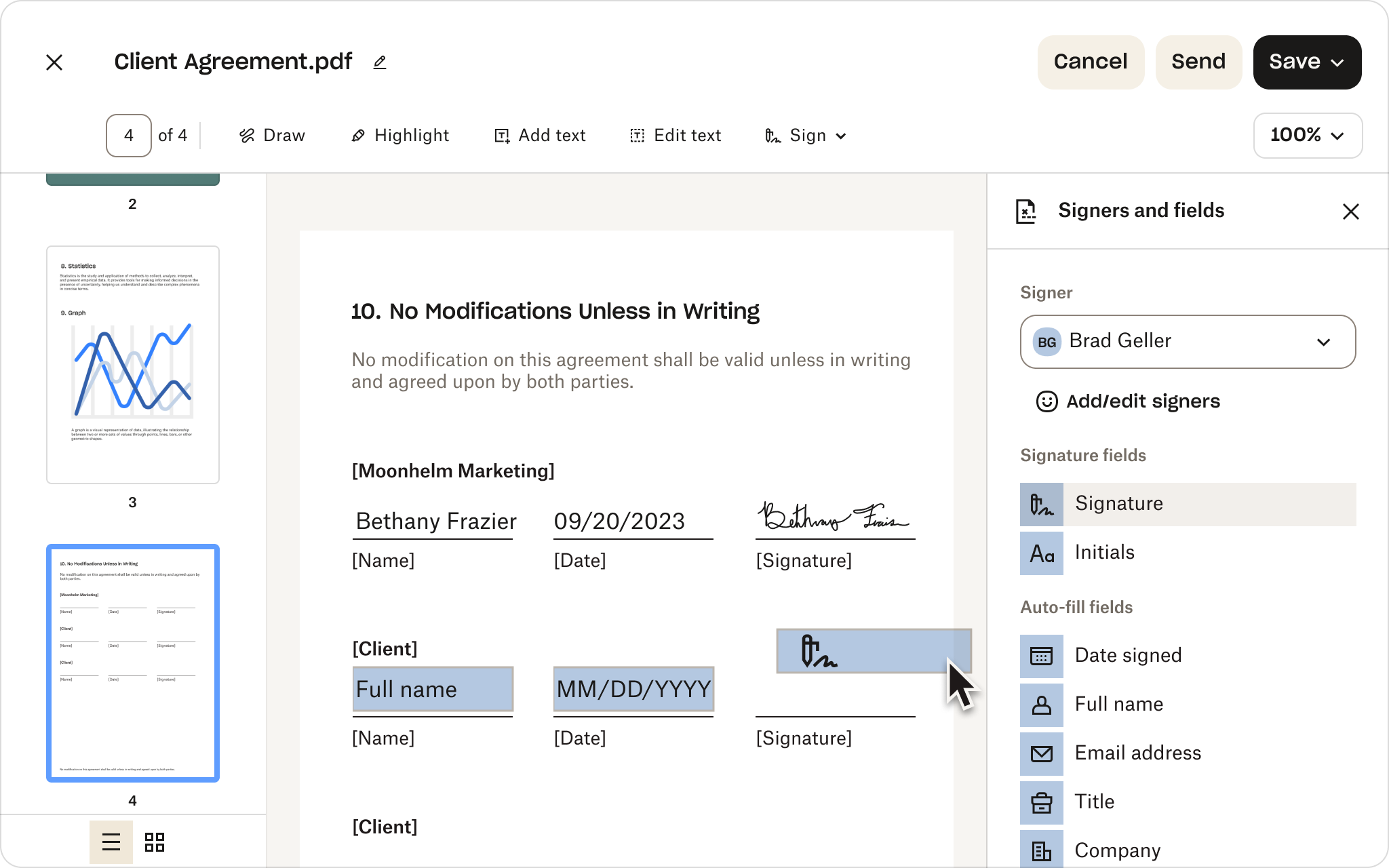

複雑さを伴わない機能
広範なプラットフォームに伴う余分な負担はかけずに、チームが必要とする機能だけを提供します。

導入に時間がかからない
設定や管理作業を最小限に抑え、すべてのユーザーがすぐに利用を開始できるようにします。

成長に合わせて予測可能な価格設定
チームの働き方に合わせてコストを調整できます。定額料金や隠された追加料金はありません。
Dropbox Sign vs Adobe Sign: how they stack up
チームが頼りにする電子署名機能について、Sign の他社製品との比較をご覧ください。
Dropbox Sign
AdobeSign


利用不可
プランによって異なる
制限や追加料金が適用される場合があります
Dropbox Sign vs Adobe Acrobat Sign: streamline every step
Sign が、アプリ間の切り替えや導入の手間、契約プロセス全体における煩わしさをどのように軽減するのかをご覧ください。
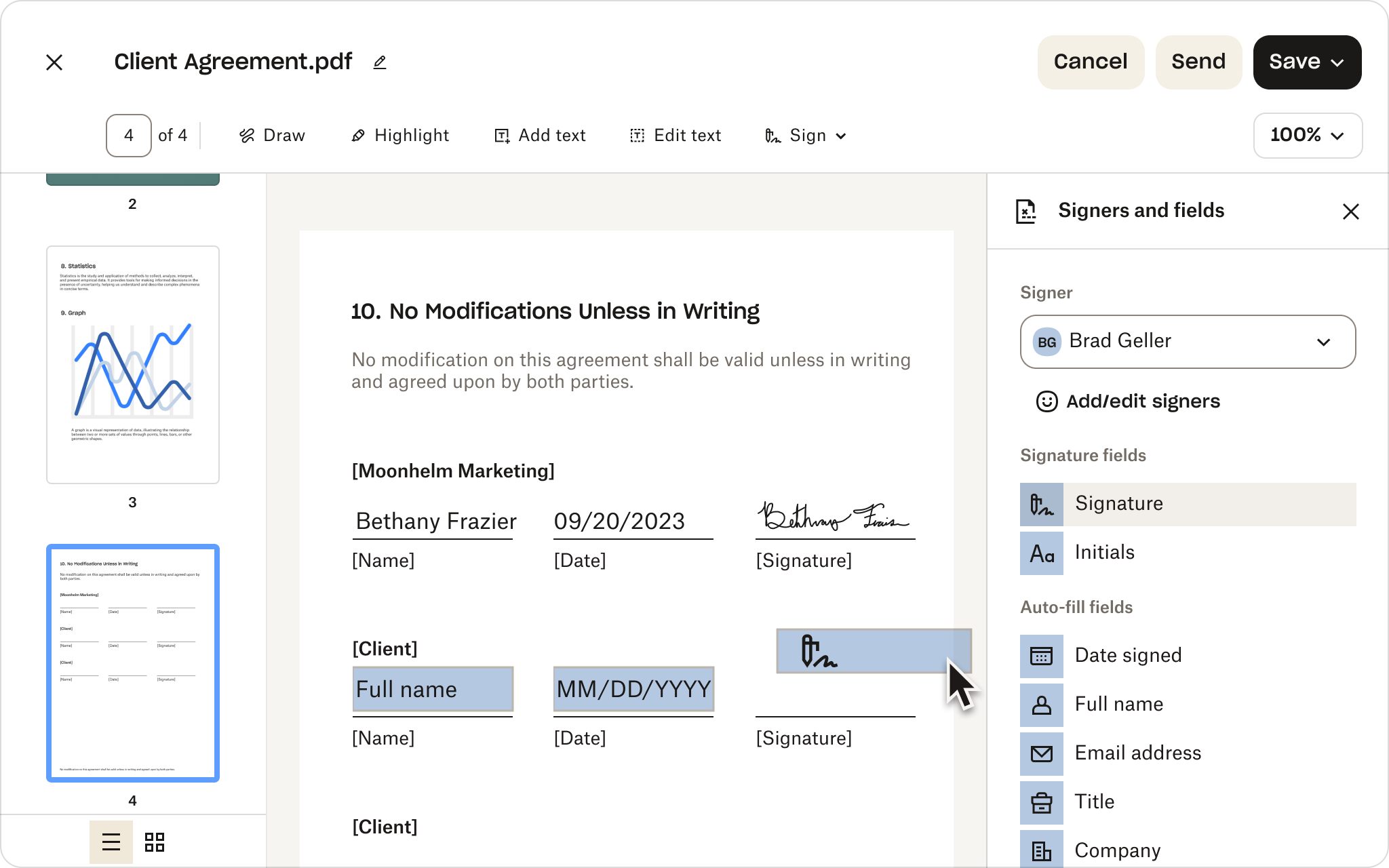
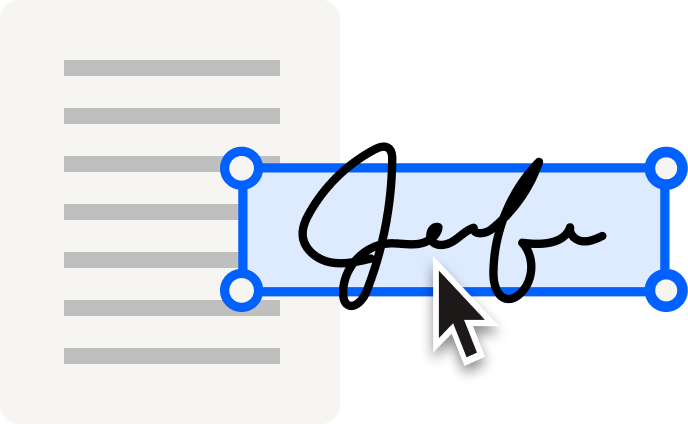
Turn frequently used documents into reusable templates instead of starting from scratch each time. Then prepare agreements easily with drag-and-drop signer fields and pre-filled information.
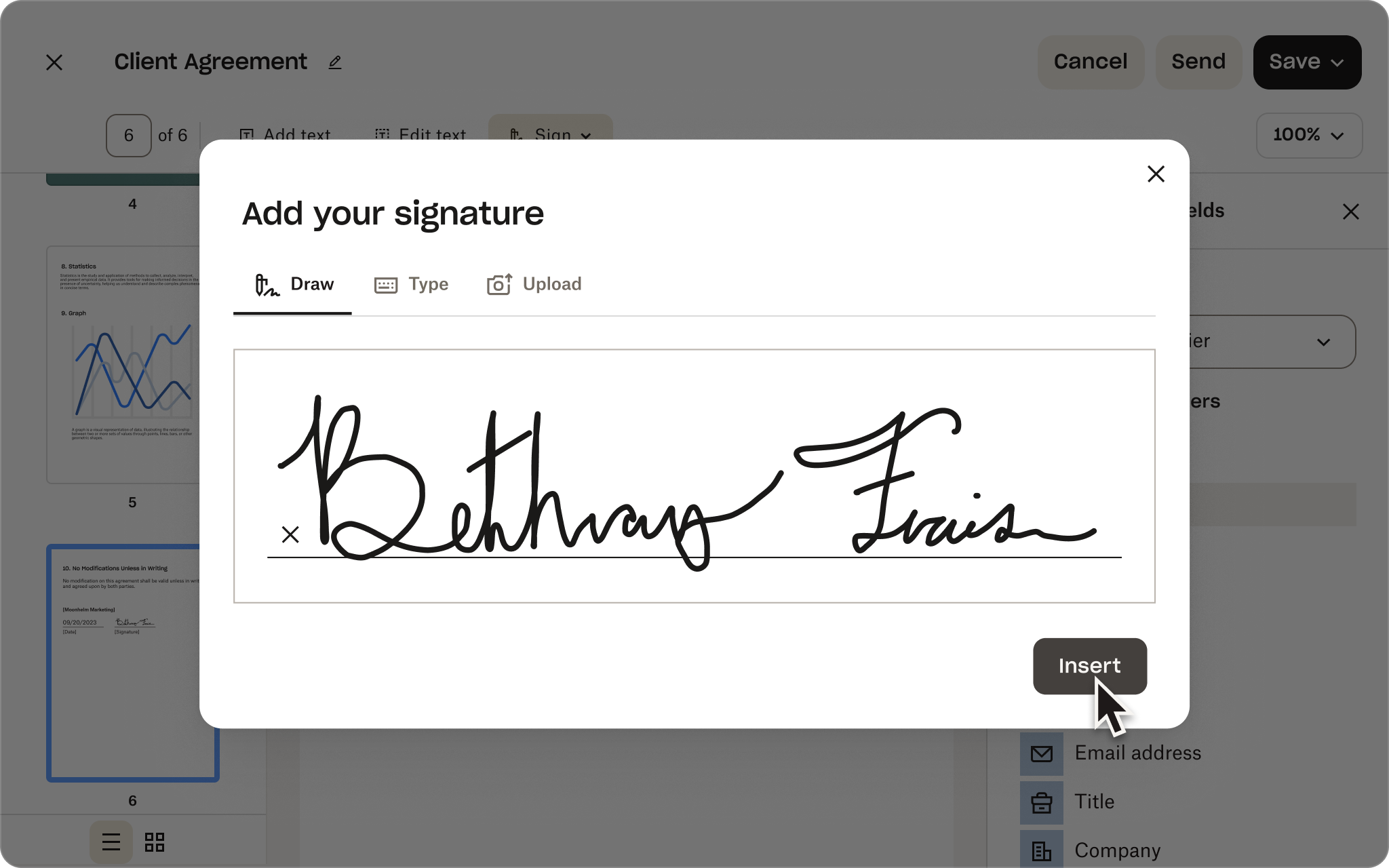
Use bulk send to create individual signature requests for large recipient lists in one step. Automated reminders and notifications keep next steps moving without having to chase people down.
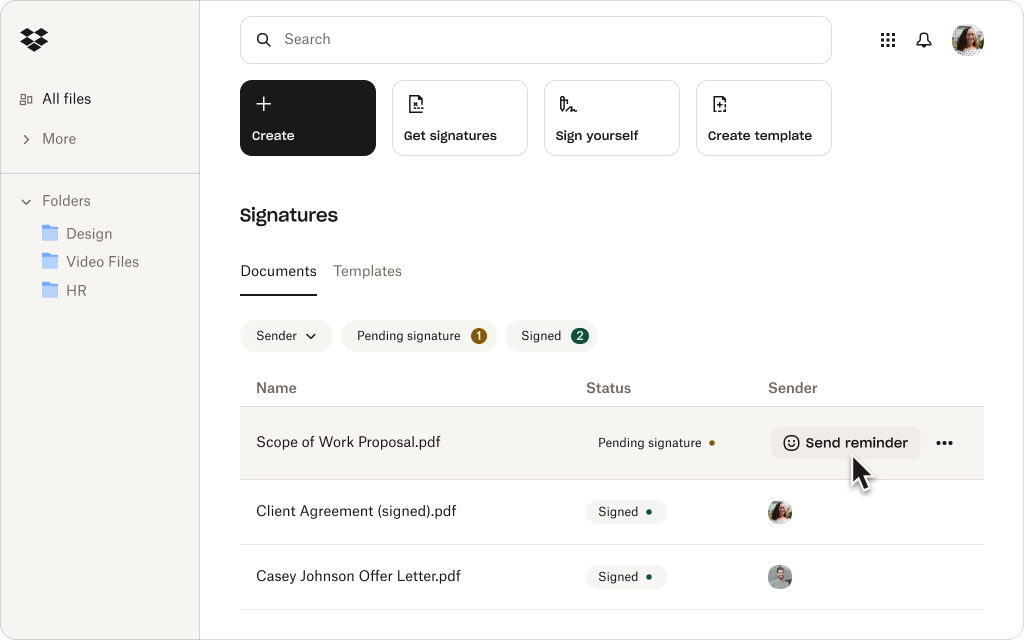
Stay ahead of delays. Performance dashboards give your team a clear view of where agreements stand and what needs attention, helping them catch issues early and prioritize follow-up.
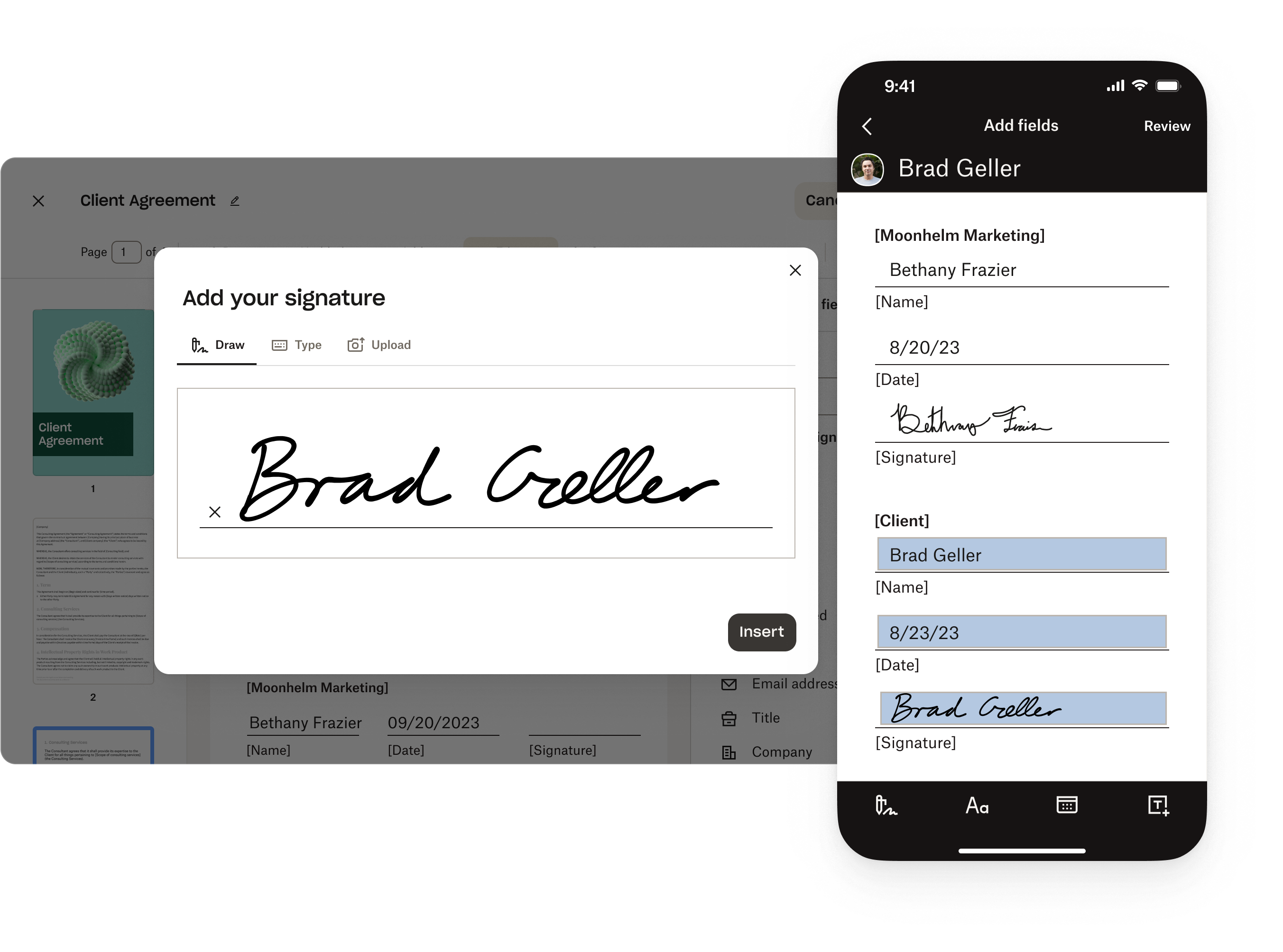
From customers and vendors to new hires, give people more flexibility to sign on the go. They can open, review, and complete signature requests from a phone or tablet, so being away from their desk doesn’t hold things up.
Connect Sign to supported CRM, HR, productivity, and collaboration apps. Teams working in Dropbox can also prepare and send files for signature and automatically save signed copies alongside the original.
Move agreements confidently with enterprise-grade security features, including encryption, signer authentication, and time-stamped audit trails. Sign is SOC 2 Type II compliant and supports HIPAA, GDPR, and eIDAS.
Customers rank Dropbox Sign above Adobe Acrobat Sign
Businesses turn to Sign for its simpler signature workflow, free live support, and more.*
*出典:G2、2026年


“I feel that Dropbox Sign demonstrates an industry standard. We can use the program for the most basic of documents to many complex situations. They have a significant amount of training documents available to show you how to go a step beyond the basics. But when needed, you get top-notch assistance directly from a representative. It has the ability to customize forms, save templates, and so much more that streamlines your work.”


“Dropbox Sign makes it easy to upload my PDF contracts and add the right signature fields so my clients can view and properly sign contracts easily. Every client to whom I have sent a contract in Dropbox Sign has been able to access it easily and understand how to sign it without my help. I have never had a complaint.”
“We chose Dropbox Sign over other similar applications because of its straightforward approach to templating PDFs and collecting document signatures. In particular, we wanted to have multiple users and be able to quickly get our legal documents signed without much hassle or management. Dropbox Sign has allowed us to effectively manage our signatures, and we can’t ask for much more! We use it about 3–4 times a month for external signatures from our clients and partners. We also trust that the signatures are verifiable and secure.”
Live support at no extra cost
Every Sign customer can get help from a real person when they need it, whether they have a technical, account, or billing question.


Dropbox Sign and Adobe Acrobat Sign FAQs
Is Dropbox Sign a good Adobe Acrobat Sign alternative?

Dropbox Sign は HelloSign と同じですか?
How does Dropbox Sign pricing work?
Can Dropbox Sign work with the tools my team already uses?
How does Dropbox Sign keep sensitive documents secure?
送信から署名までを迅速に
*出典:G2、2026年
Dropbox Sign API で時間と費用を節約する方法をご覧ください。Dropbox のチームがお客様のビジネス ニーズに合わせたソリューションのカスタマイズをお手伝いします。また、専任チームから導入とサポートに関するサービスを受けられるため、可能な限りスムーズに移行を進められます。
ありがとうございます。
担当者より折り返しご連絡を差し上げます。